
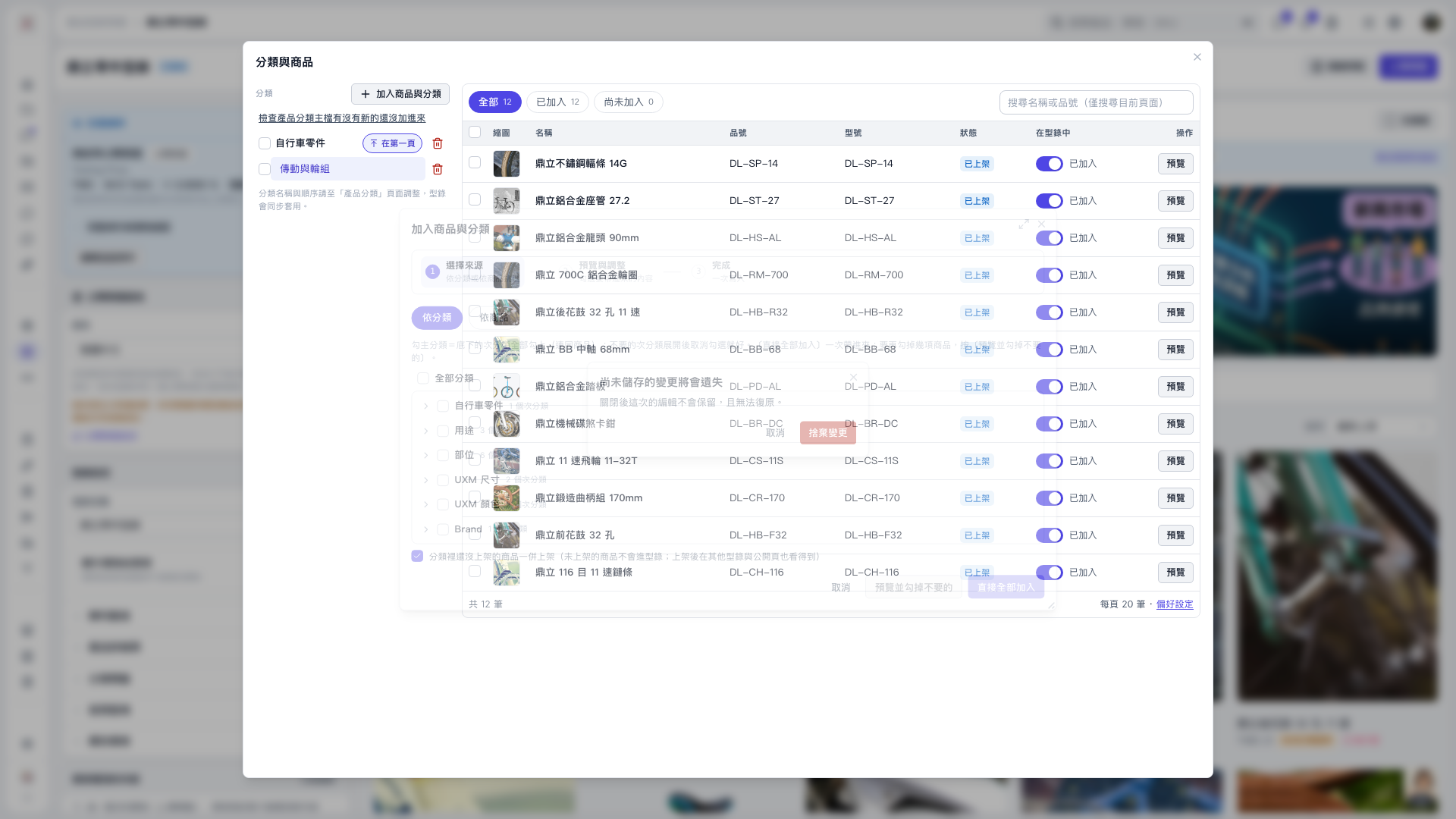
1. After selecting categories or products in "Add Products and Categories", click "Preview and Deselect Unwanted Items". 2. All categories and products in the preview list are selected by default. Deselect the items you do not want to add. 3. Click "Confirm Addition" to add the remaining selected items to the catalog. Changing selections in the preview list alone does not complete the addition. 4. If a confirmation dialog about unsaved changes appears when closing, click "Cancel" to return and continue editing, or click "Discard Changes" to discard unsaved edits and close.
 V5 新桌面版|分類與商品