
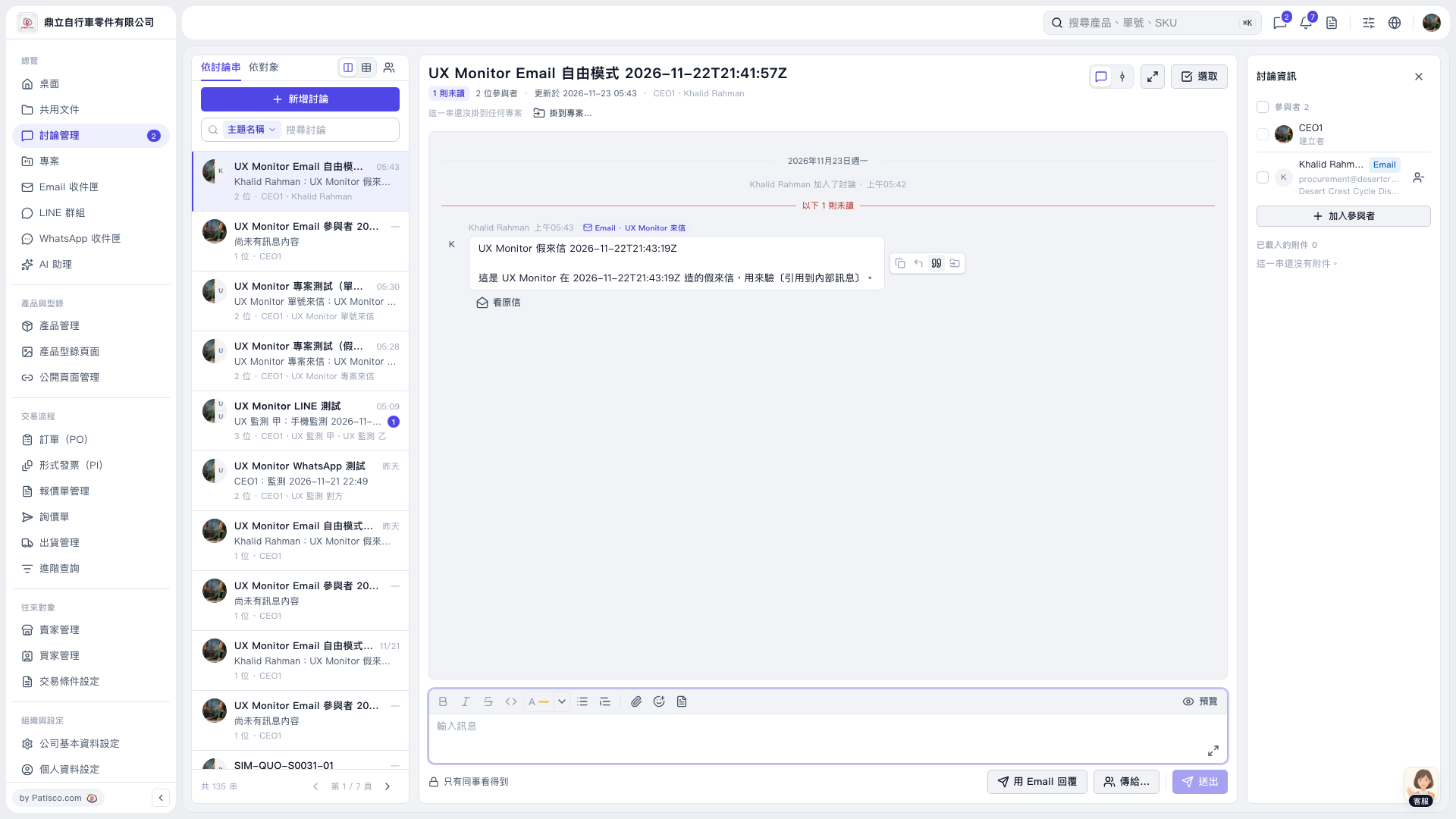
1. Select the email discussion thread you want to work with from the discussion list on the left. 2. Find the email you want to quote and click the double quotation mark icon in the toolbar on the right side of the message. 3. Check the quoted content in the "Enter a message" editor below, and add your explanation for your colleagues. 4. Confirm that "Only colleagues can see this" appears below the editor. 5. You can click "Preview" to check how the message will look. Once you have checked it, click "Send".
 V5 新桌面版|UX Monitor Email 自由模式 2026-11-22T21:41:57Z