
1. In the quotation's "Item List", click an editable field to change details such as unit price, quantity, or specifications. You can also click "Edit" on the right side of the item. 2. When editing fields directly, press Enter to save or Esc to cancel. For multiline fields, use Ctrl + Enter (⌘ + Enter on Mac) to save.
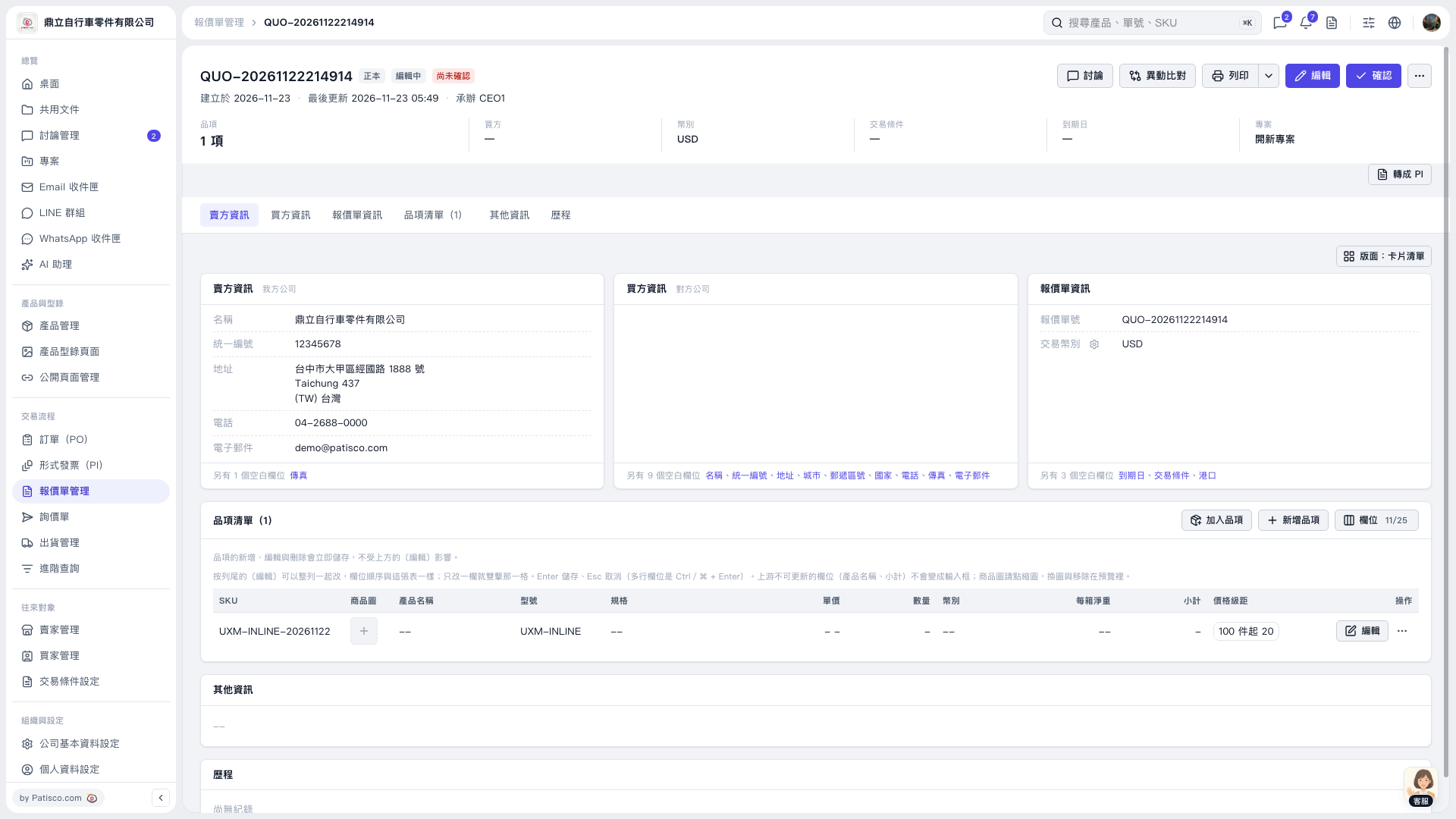 V5 新桌面版|QUO–20261122214914