
1. Open the quotation you want to print and first check the quotation number, seller, buyer, transaction currency, and item details. 2. To change the quotation details, click "Edit" at the top right. To adjust an item, click "Edit" on the right side of that item. 3. Click "Print" at the top right to start printing. To view related options, click the dropdown arrow to the right of "Print".
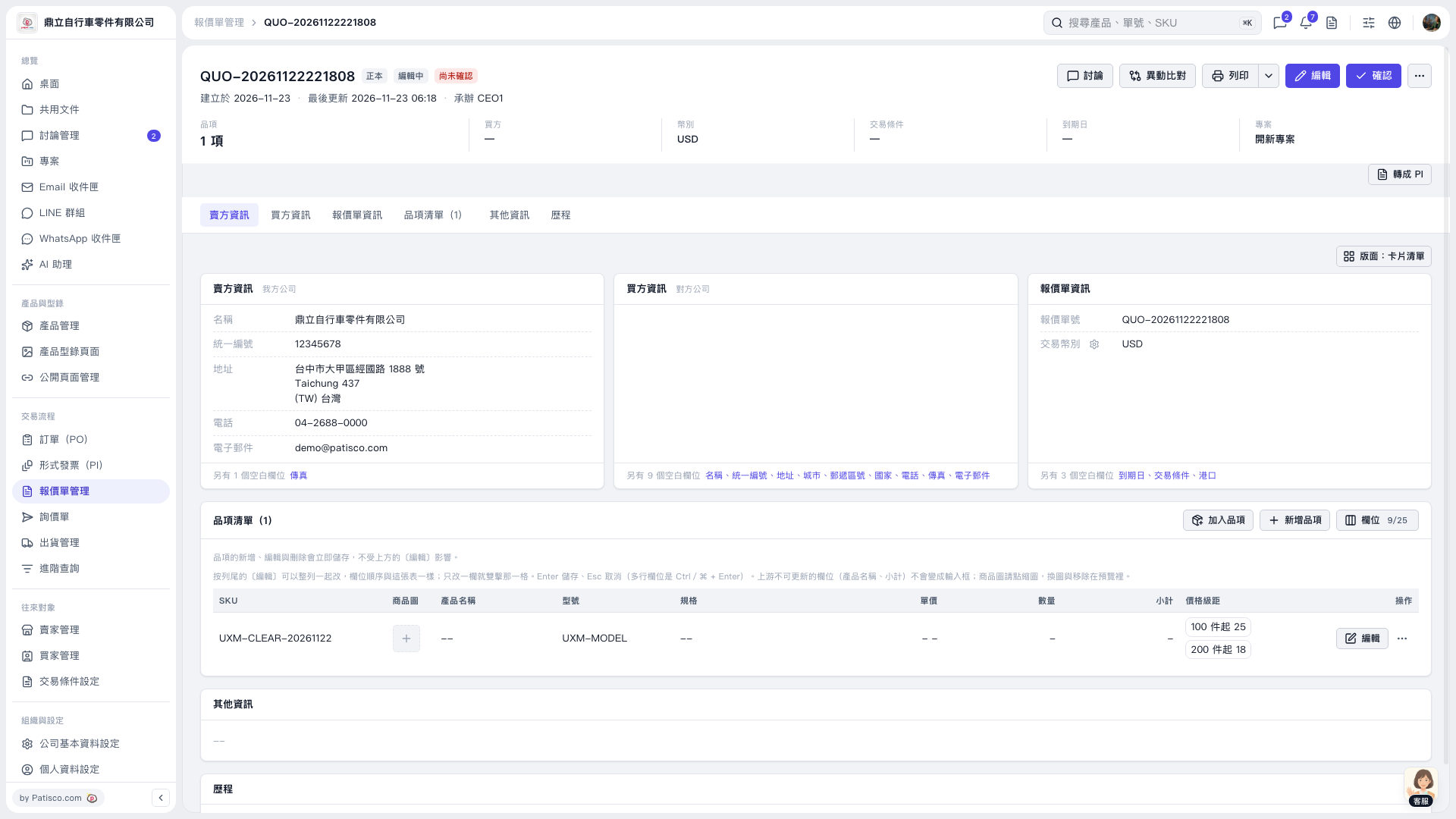 V5 新桌面版|QUO–20261122221808