
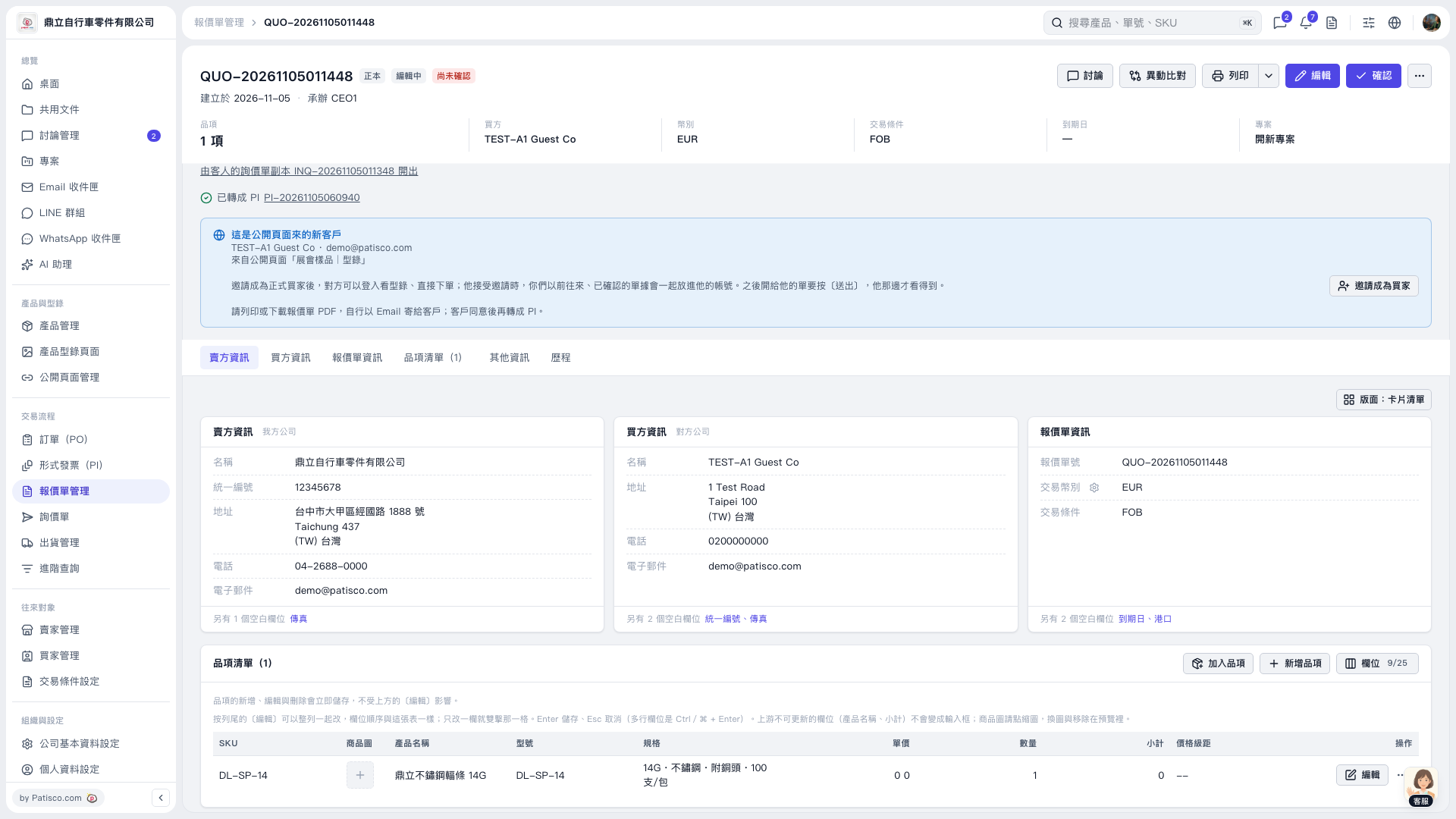
1. Open the quotation you want to check and look for the "Converted to PI" message next to the green checkmark icon at the top of the page. This indicates that the quotation has been converted. 2. Click the Proforma Invoice number link to the right of "Converted to PI" to open the corresponding Proforma Invoice and view its contents.
 V5 新桌面版|QUO-20261105011448