
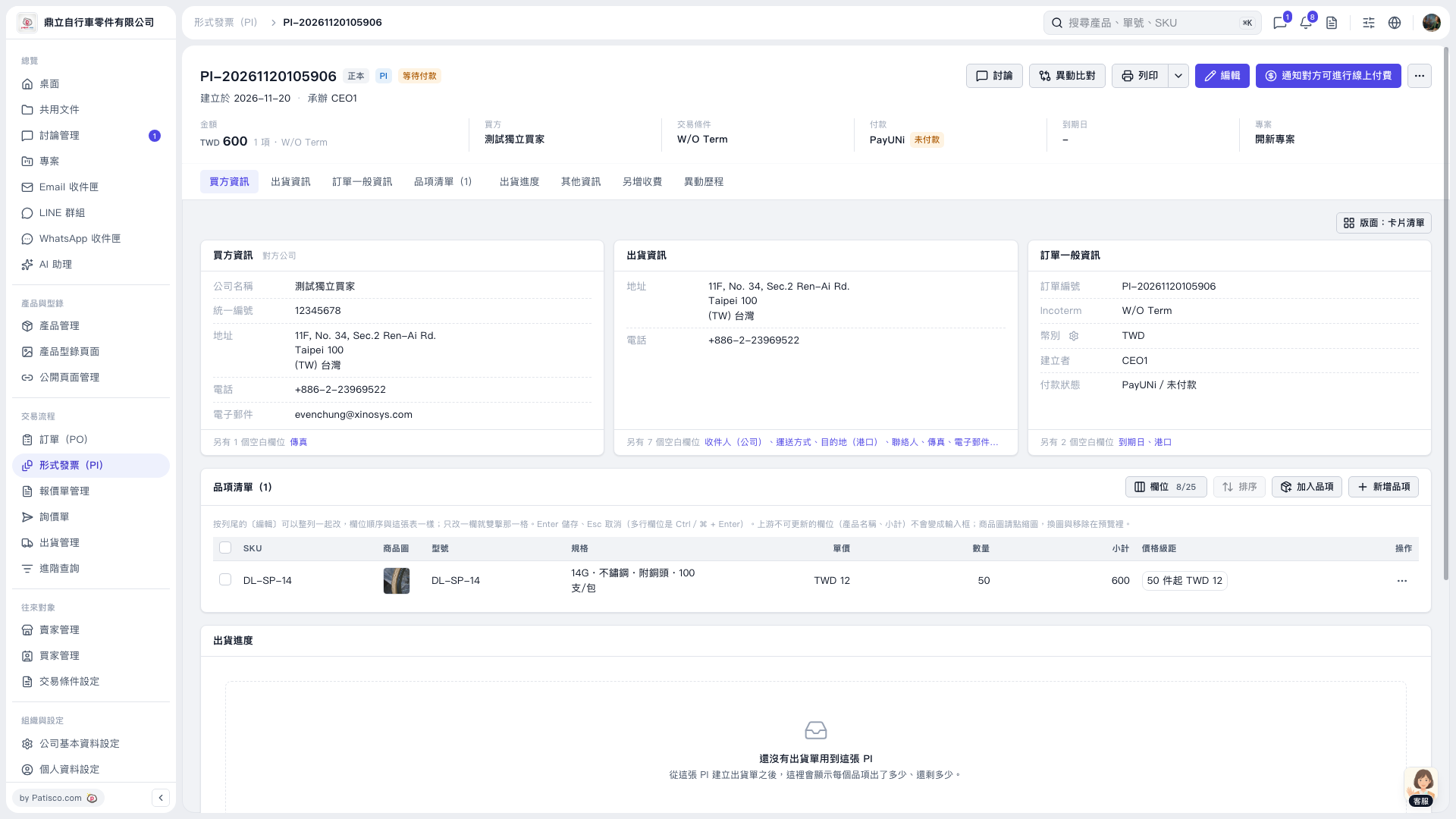
1. Open the Proforma Invoice and confirm that its payment status is [Awaiting Payment]. 2. Click [Edit] at the top right. The editing screen opens directly without a warning, and [Cancel] and [Save] appear at the bottom. 3. After making changes, click [Save]. The Proforma Invoice returns to [Under Discussion] status. To leave without saving your changes, click [Cancel].
 V5 新桌面版|PI–20261120105906