
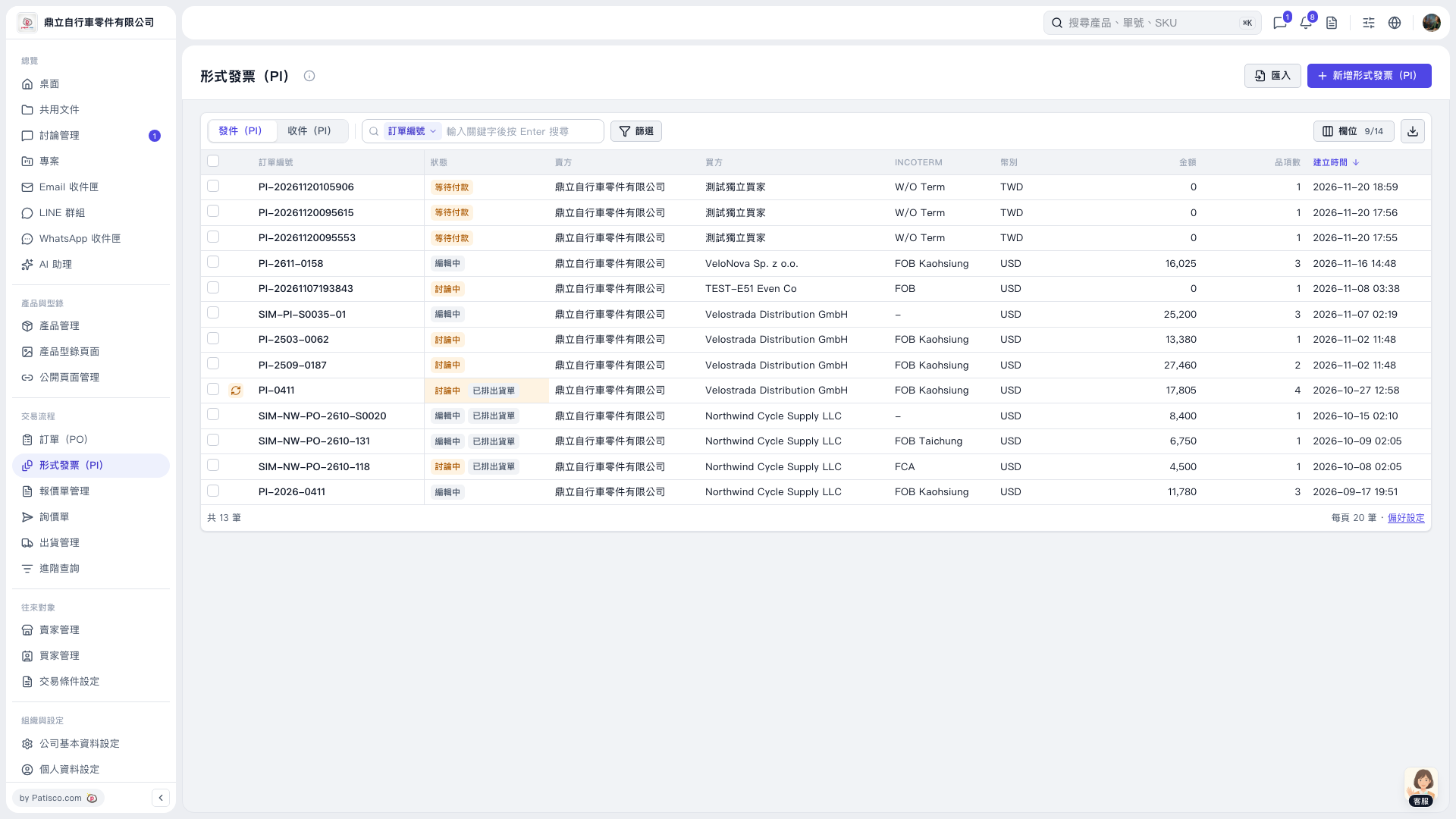
1. On the Proforma Invoice (PI) page, click [Sent (PI)] and find the Proforma Invoice created when the buyer checked out. Its status in the list will be [Awaiting Payment]. 2. Click the PO number to open the document. The detail header will also show [Awaiting Payment]. 3. After the buyer pays, the status changes to [Paid].
 V5 新桌面版|形式發票(PI)