
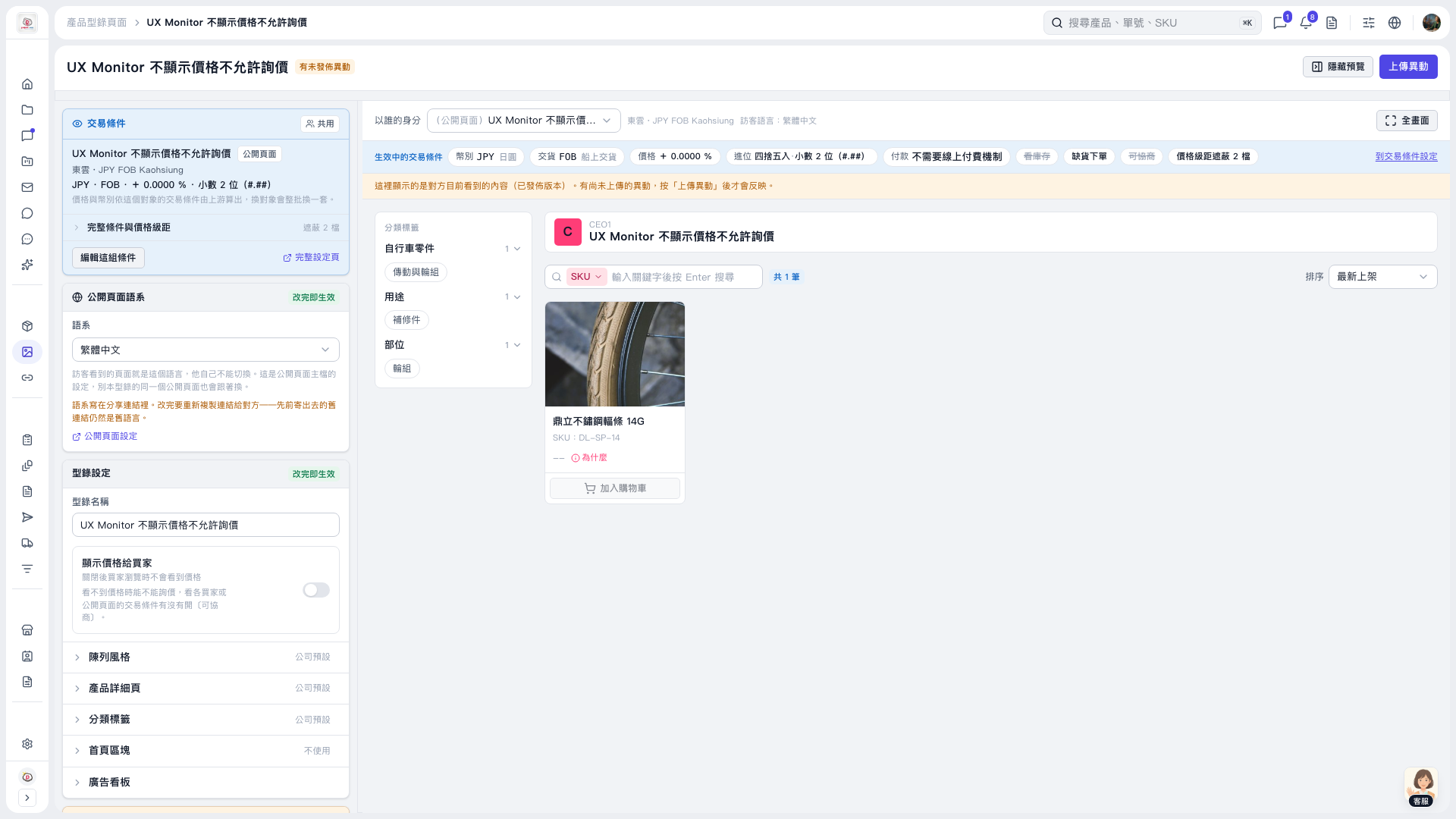
1. In [Catalog Settings] on the left side of the Catalog layout page, turn off [Show Prices to Buyers]. 2. Click [Upload Changes] at the top right to apply the changes to the public page. 3. Use [View As] in the preview area on the right to select a preview identity and check how prices are displayed. Click [Full Screen] if you need a larger view.
 V5 新桌面版|UX Monitor 不顯示價格不允許詢價