
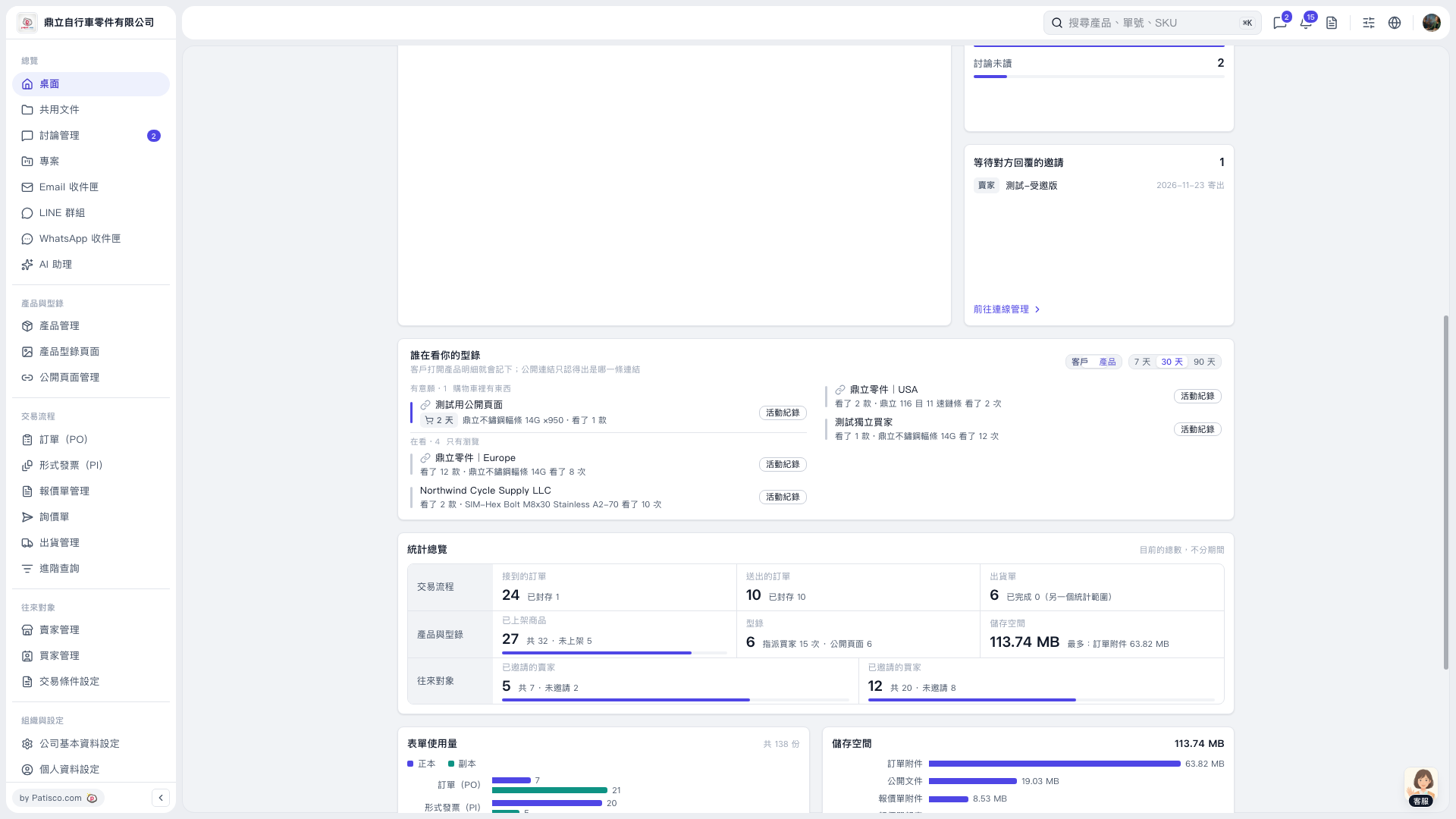
1. After logging in to V5, go to "Dashboard" first. 2. In the left sidebar, find the "Products & Catalog" group. 3. Click "Product Management" to open the product list. Tip: If you just want an overview first, you can check the number of "Listed products" in the "Statistics overview" on the Dashboard. To find a specific product directly, you can also use the search bar at the top center (shortcut ⌘K) and enter a product, a document number, or a SKU.
 V5 新桌面版|桌面(儀表板)