
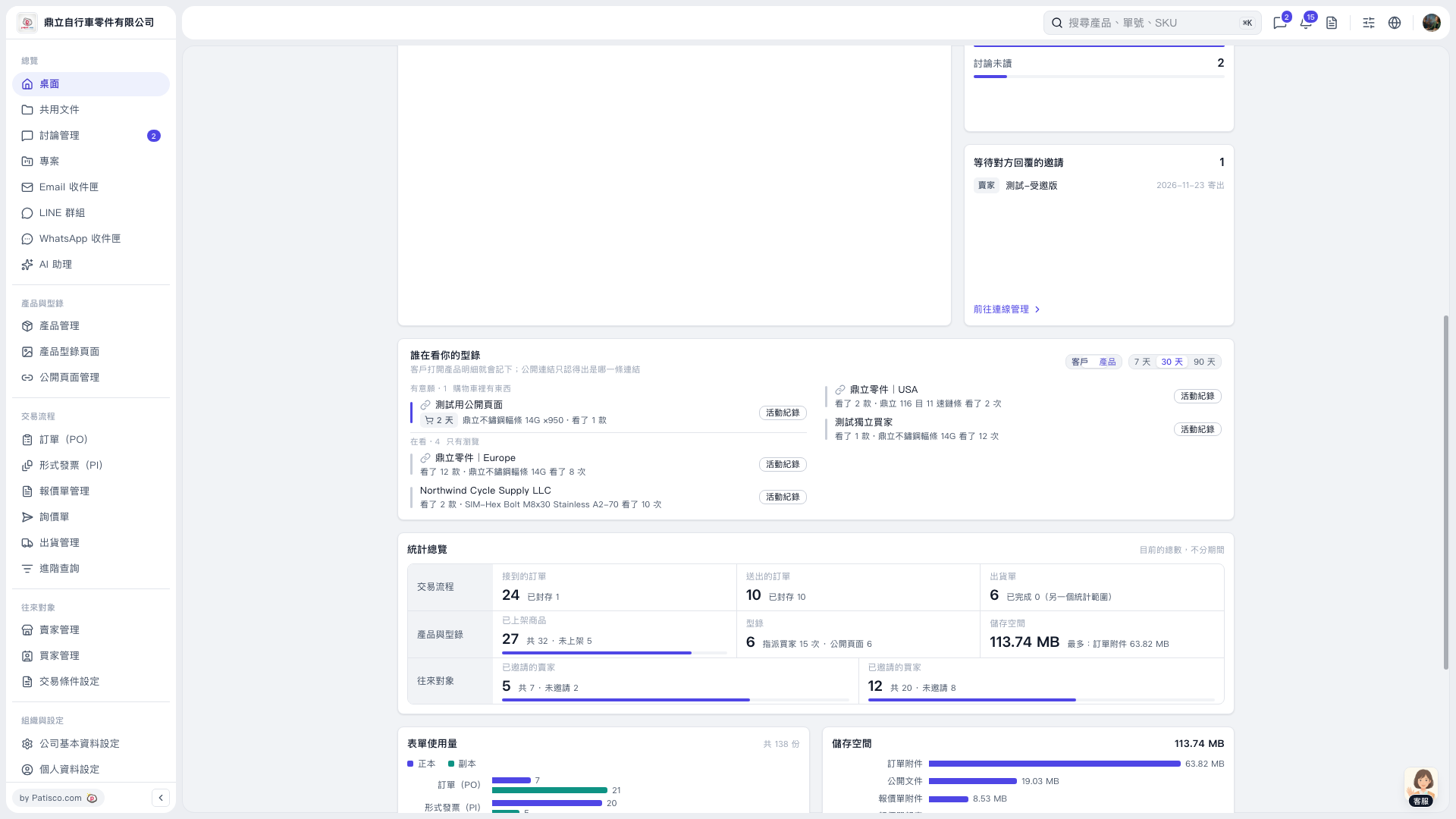
1. On the Dashboard, find the "Who's viewing your catalog" section. 2. At the top right of the section, select "7 days", "30 days", or "90 days" to switch the time range of the statistics. 3. Also at the top right, use "Customers" or "Products" to switch the view: choosing "Customers" shows the browsing status of each customer or public link, and choosing "Products" shows the product browsing ranking. 4. To see the browsing details of a specific customer or public link, click "Activity log" on the right side of that row. Also, if the "Invitations awaiting reply" card on the right side of the Dashboard has pending invitations, click "Go to Connection Management" at the bottom of the card to handle them.
 V5 新桌面版|桌面(儀表板)