
1. In the left sidebar, click [Seller Management] under "Trading Partners". 2. Click [Step-by-step invite] at the top right (to the left of [Add Seller]). 3. Follow the on-screen instructions to select the supplier you want to invite, then click [Next]. 4. The next page explains that you can only see the supplier's catalog after they share it with you. 5. Choose a language in [Invitation language], check the invitation email content, and send it. 6. Back in the seller list, this supplier's "Invitation status" shows "Pending". After they accept, it changes to "Accepted". If you only want to create a seller record manually, click [Add Seller] instead.
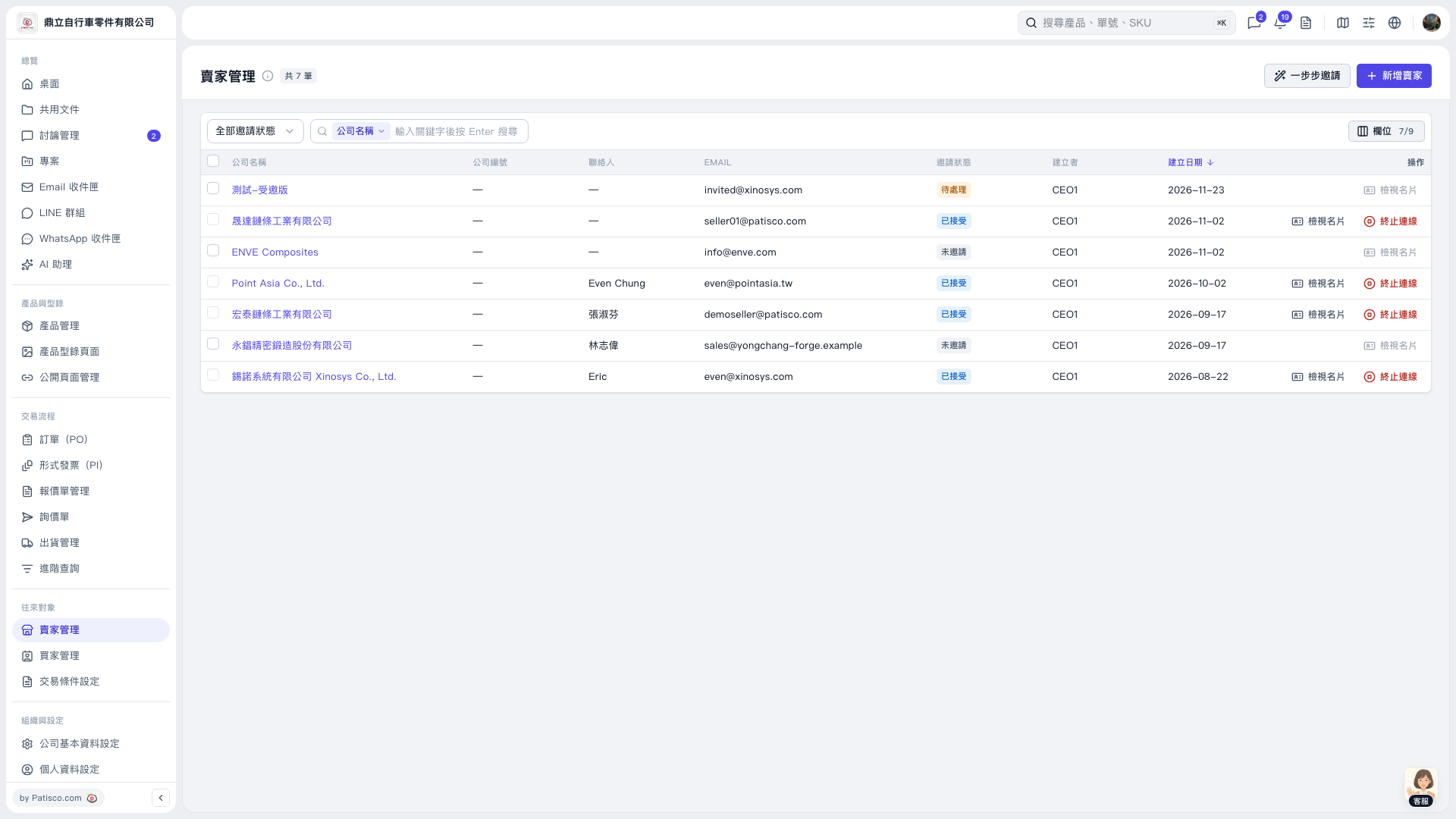 V5 新桌面版|賣家管理