
1. Open the details of the PO you want to review. 2. To compare changes to the PO, click “Compare Changes” in the upper right. To view the change history, switch to “Change History.” 3. To open the discussion for this PO, click “Discussion” in the upper right. 4. To print the PO, click “Print” in the upper right. There is also a dropdown menu beside it that you can open.
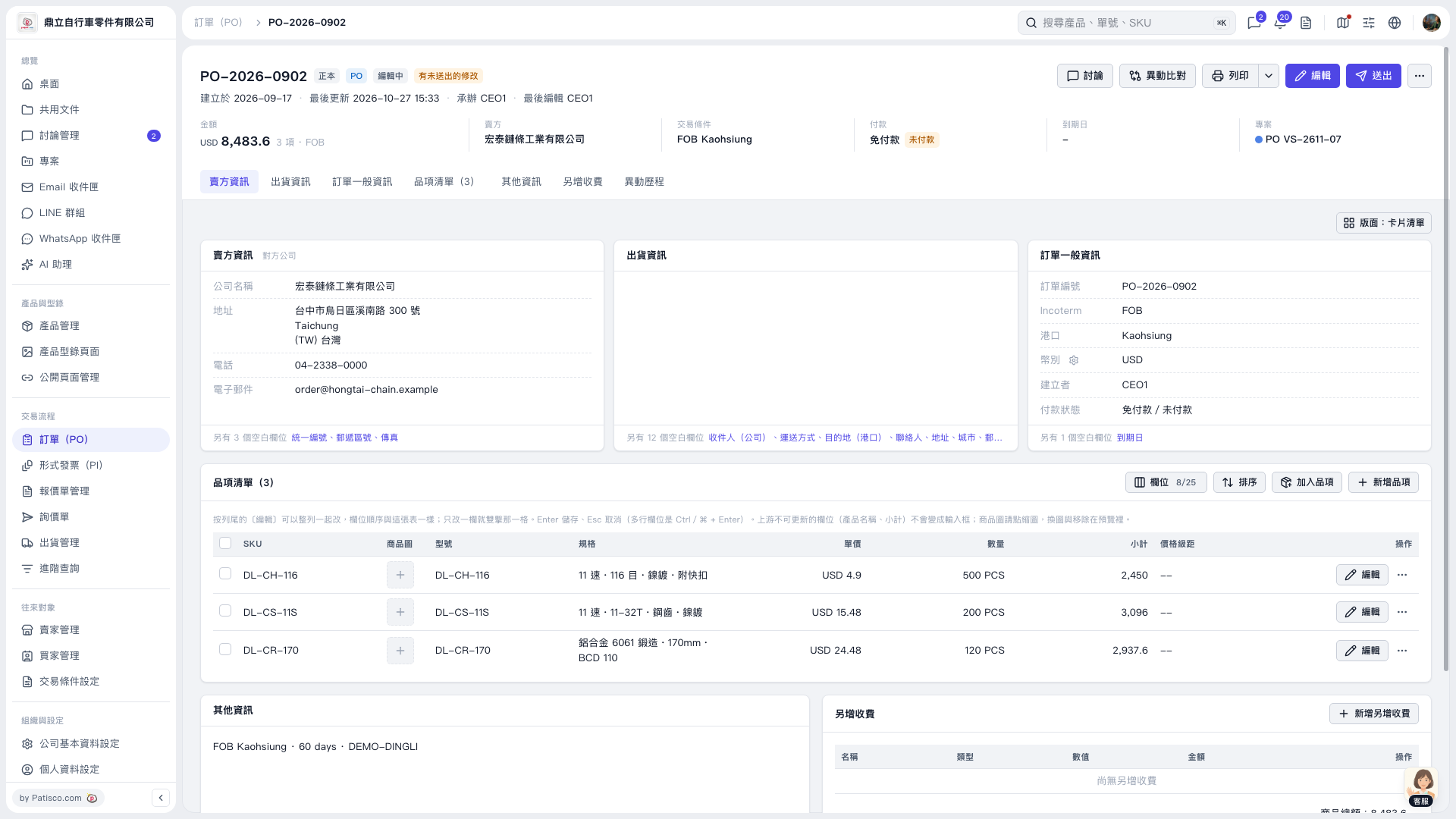 V5 新桌面版|PO–2026–0902