
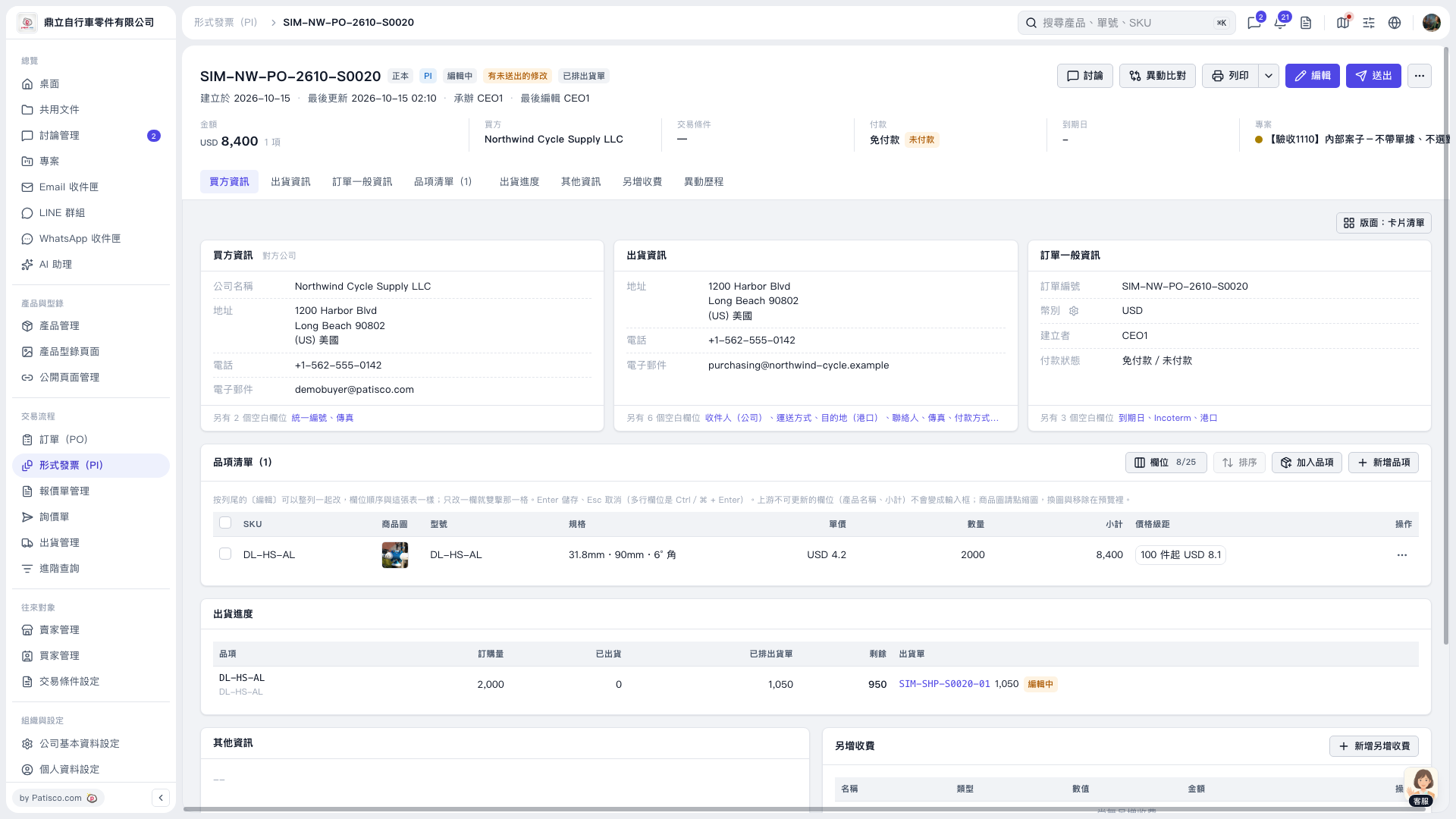
1. Open the Proforma Invoice and find the product you want to change in the "Item list". 2. Double-click the "Specifications" field and enter the content. Press Enter to save or Esc to cancel. For multiline fields, use Ctrl/⌘ + Enter to save. 3. After checking the changes and amounts, click "Submit" in the upper-right corner.
 V5 新桌面版|SIM–NW–PO–2610–S0020