
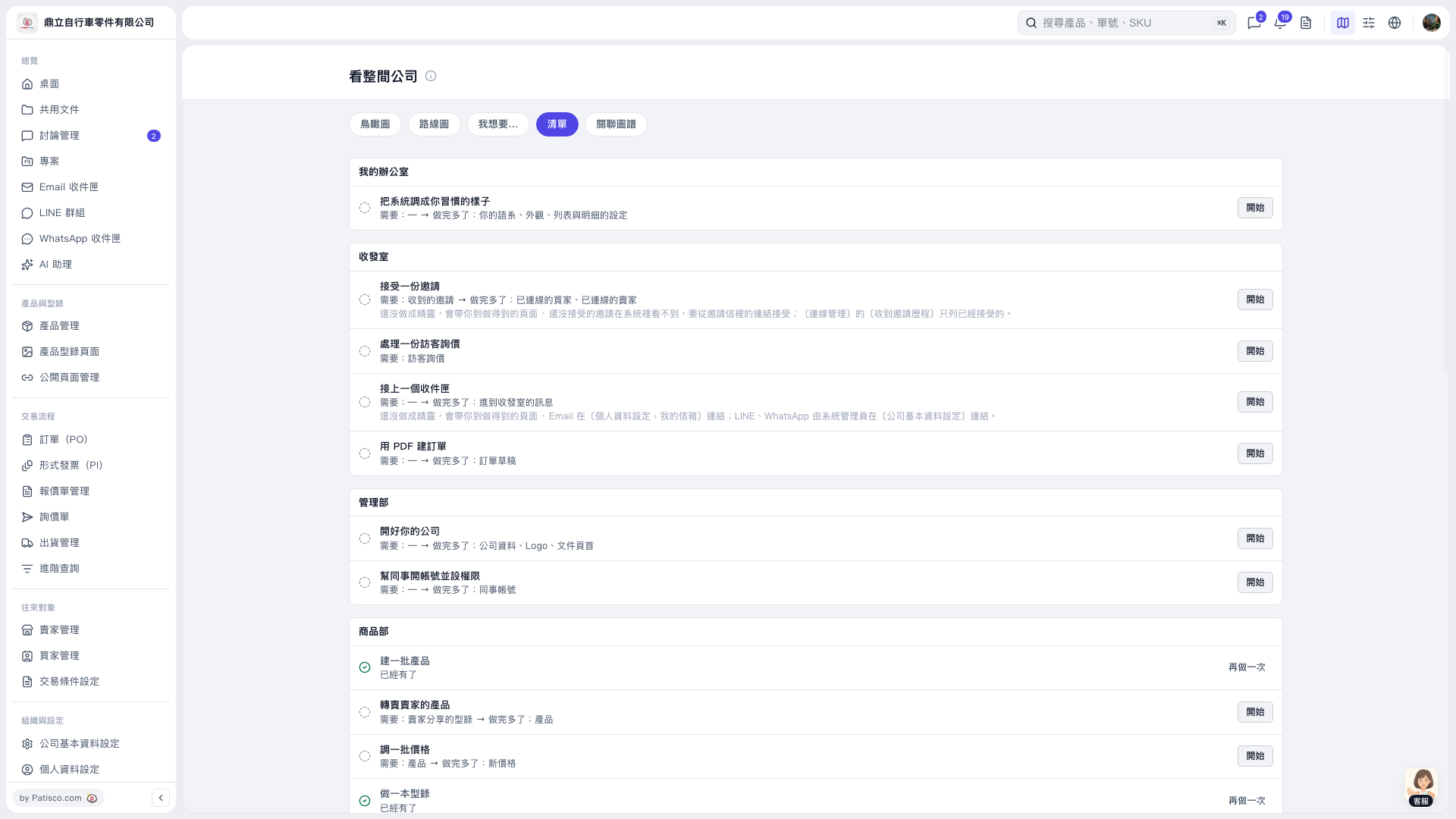
1. Go to [Company Overview] → [List]. 2. In the Products department, find [Create a batch of products]. For a completed item, the right side shows [Do it again] instead of [Start]. 3. Click [Do it again]. The "Batch create products" dialog opens. 4. Follow the on-screen instructions to select a file and complete the import. If you close the dialog without selecting a file, no products are created. Other completed items (for example, [Make a catalog]) work the same way. Click [Do it again] on the right to run them again.
 V5 新桌面版|看整間公司