
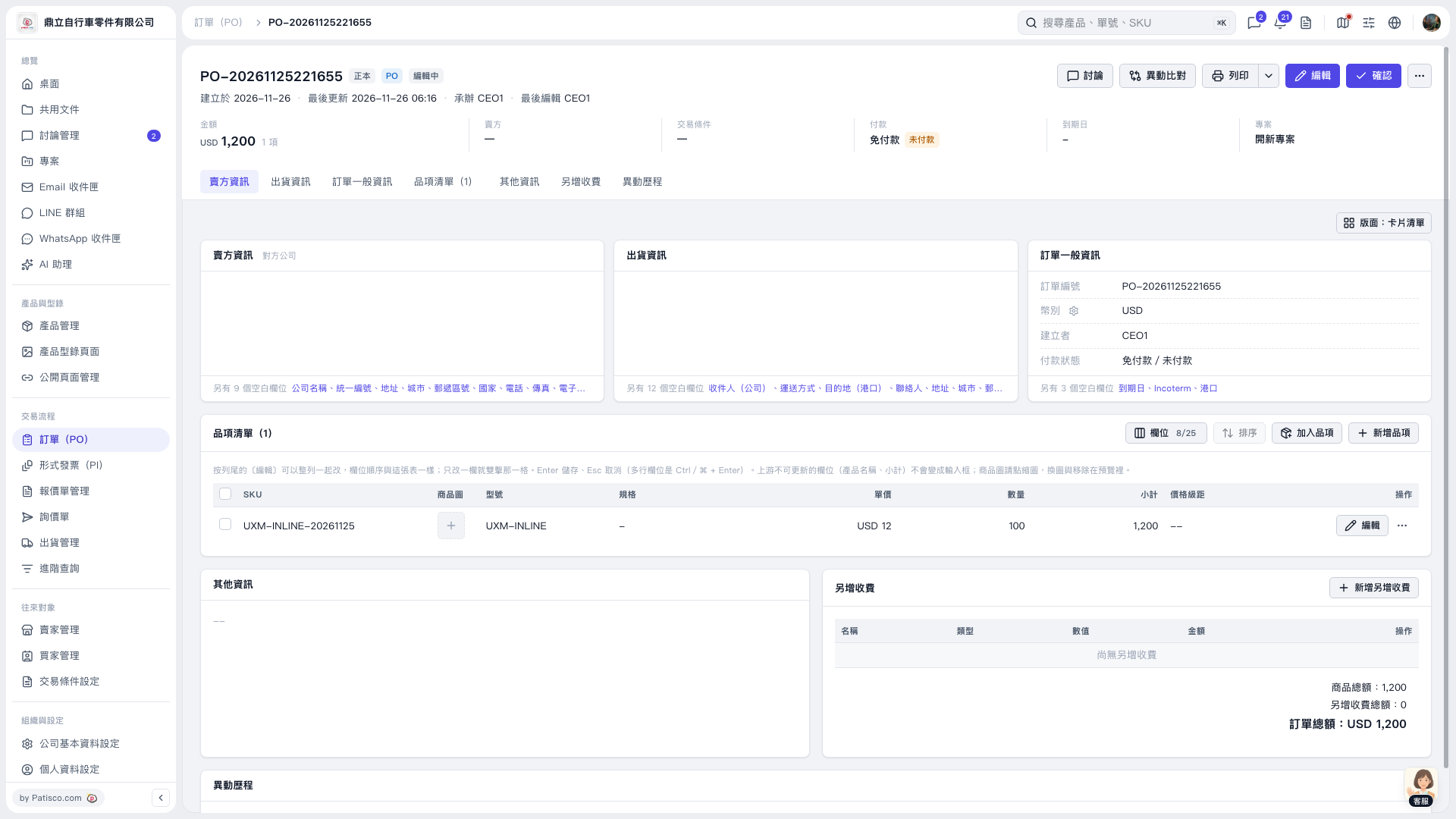
1. Find the item in the PO's "Item List", click "Edit" in the "Unit Price" field, and enter the new unit price. Only one cell can be edited at a time. 2. Press Enter to save or Esc to cancel. 3. To edit the full item details, click "Edit" on the right side of the row. After making your changes, check the subtotal and PO amount. 4. After verifying that the PO details are correct, click "Confirm" in the upper-right corner of the page.
 V5 新桌面版|PO-20261125221655