
1. On the “Quotation” page, tap “Sent Doc.” to view sent quotations, or tap “Received Doc.” to view received quotations. 2. Scroll through the list to find a quotation by its number, trading partner, or creation time. You can also tap search (the magnifying glass icon) or filter (the sliders icon) in the upper right to help you find it. 3. Tap the quotation you want to view to open its contents.
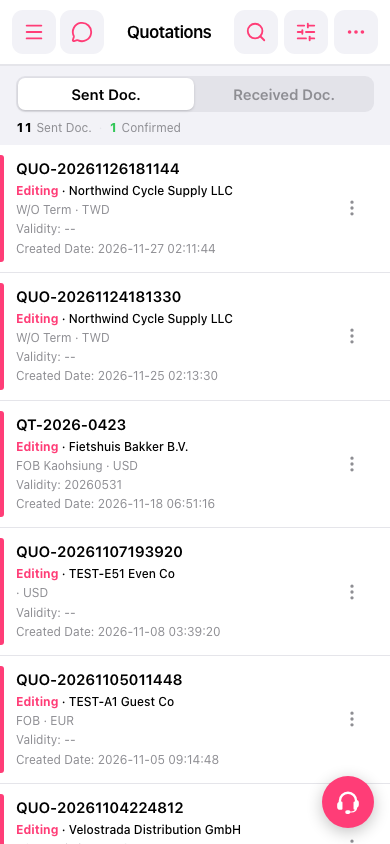 手機版|報價單(Quotations)