
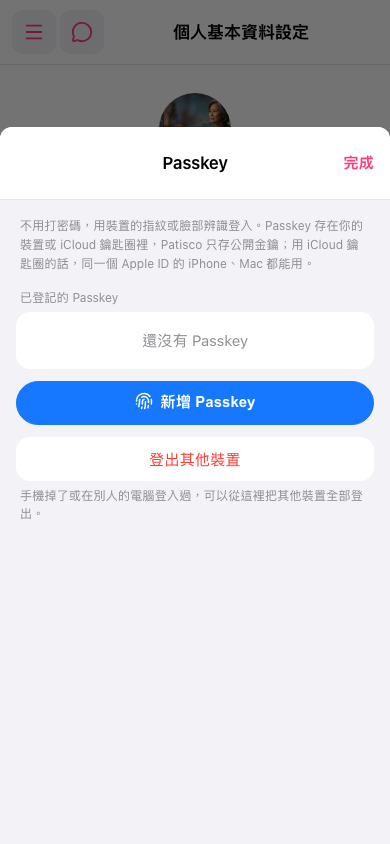
1. In the “Registered Passkeys” section of the Passkey settings window, find the passkey you want to delete. 2. Tap [⋮] on the right side of the item, then tap [Delete] in red. 3. The confirmation dialog will ask whether you want to delete this passkey. Tap [Delete]. 4. A “Deleted” message will appear, informing you that other devices logged in with this passkey have been logged out. 5. Tap [Done] in the top-right corner to close the window.
 手機版|個人基本資料設定-Passkey