
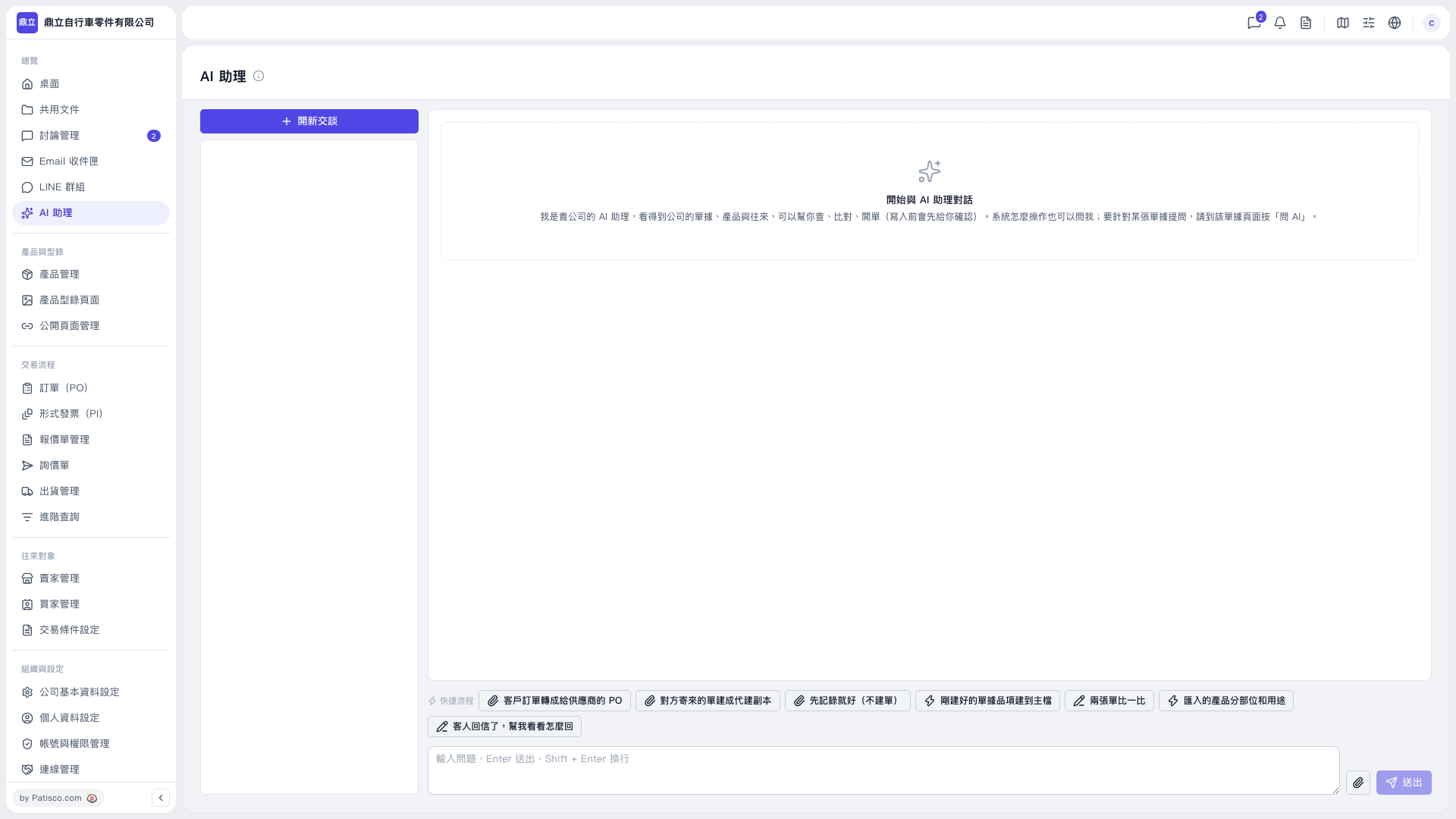
1. On the AI assistant page, “Quick Workflows” appears above the message input box. You can directly select a preset task, such as converting a customer PO into a supplier PO, creating a copy on someone's behalf, recording data, adding document line items to master data, comparing two documents, analyzing product uses, or helping reply to a customer. 2. If you need the AI to process a file, click the paperclip icon (attachment) to the right of the input box and add the file. 3. Check the content, then click “Send” or press Enter. Reminder: If a task involves writing data, follow the AI's subsequent prompts to confirm the operation details before continuing.
 V5 新桌面版|AI 助理