
1. Open the “PO” page in V5. 2. At the top left of the list, select “Sent (PO)” or “Received (PO)”. “Sent (PO)” shows POs you have sent, and “Received (PO)” shows POs you have received. 3. The list displays columns such as PO number, status, seller, buyer, INCOTERM, currency, amount, number of items, and creation time. 4. Click a PO number in the list to open that PO. To change which columns appear in the table, click “Columns” at the top right of the list. By default, the list is sorted by “Creation Time” from newest to oldest. Click the “Creation Time” column heading to change the sort order.
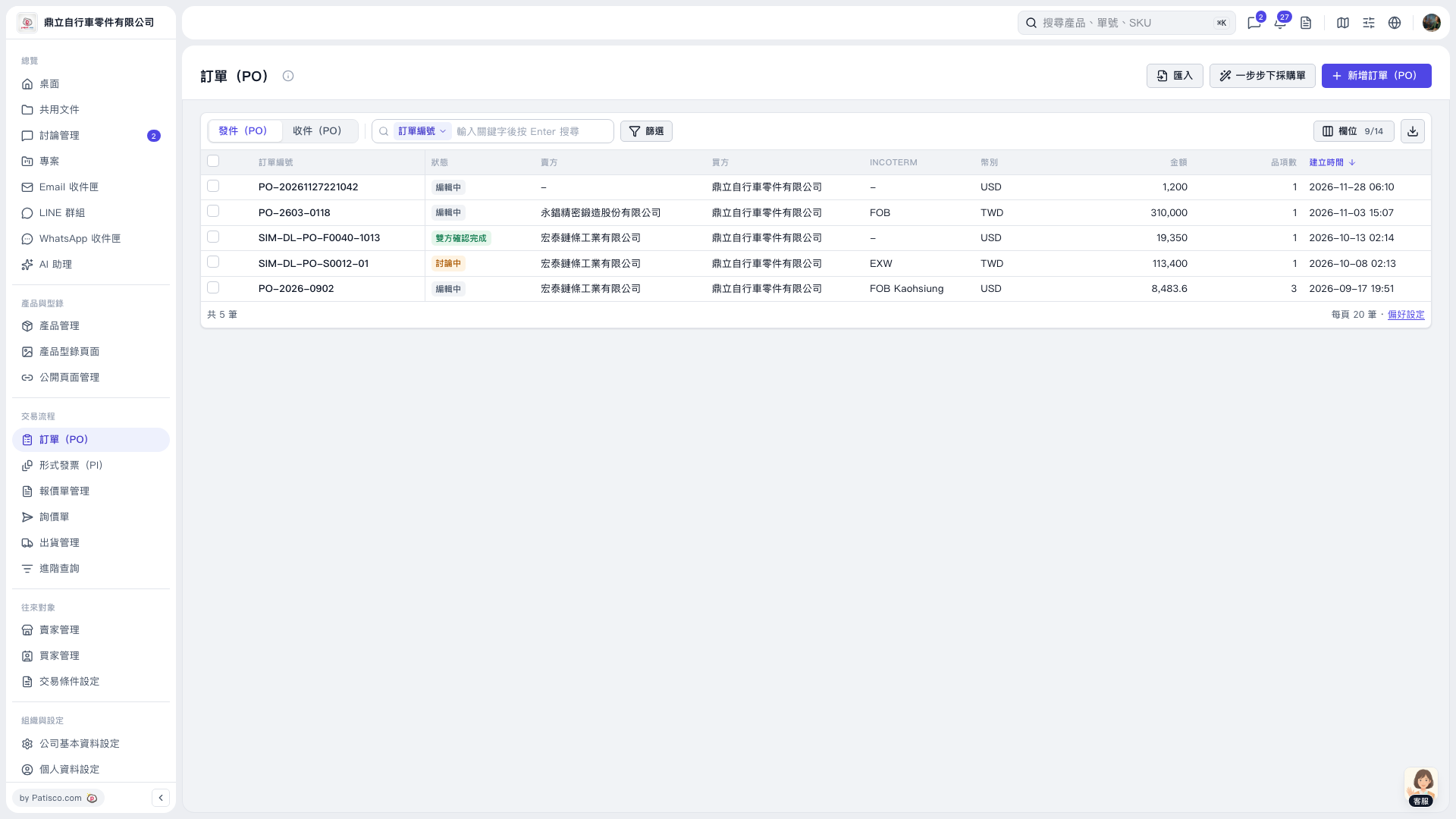 V5 新桌面版|訂單(PO)