
1. On mobile, go to the "Discussions" page. 2. Confirm that the tab below the title is set to "Discussion". To view AI discussions, tap "AI Discussion" instead. 3. Tap the "Search topic" field below the tabs and enter a keyword, such as the order number PI-0411. 4. In the list, tap the discussion topic row you want to enter the conversation, where you can read or send messages.
Each row in the list shows an avatar (initial letter), the discussion topic name, a preview of the latest message (including the sender), and the time of the last message, so you can tell whether it is the one you are looking for.
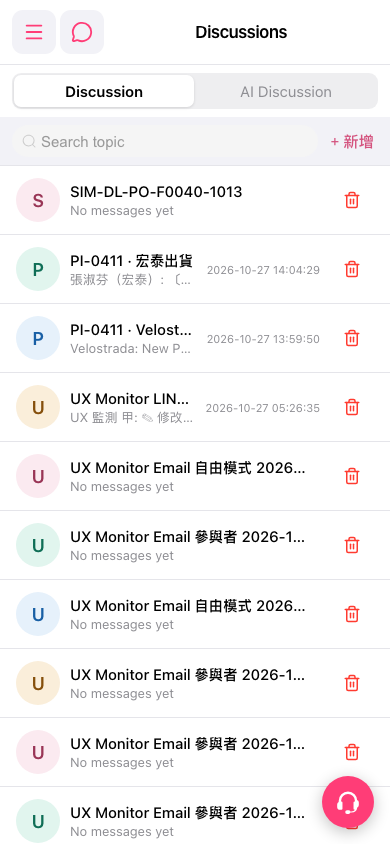 手機版|Discussions(討論)