
Add a discussion: 1. On the "Discussions" page, tap "+ Add" to the right of the search field. 2. Fill in the topic following the on-screen instructions.
Delete a discussion: 1. Find the discussion topic you want to remove in the list. 2. Tap the trash icon on the right of that row. 3. Read the prompt carefully and confirm the deletion.
Note: Before deleting, make sure it is the correct topic to avoid deleting it by mistake.
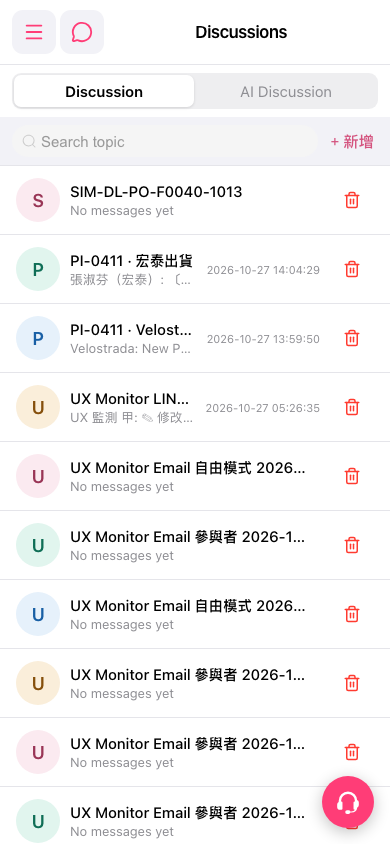 手機版|Discussions(討論)