
1. On the Quotations page, tap the search icon at the top right and search by quotation number or customer name. 2. You can also tap the filter icon (slider) at the top right and set conditions to narrow down the results. 3. After you find the target quotation in the results, tap it to open its details. If you want to perform other actions, tap the "⋮" on the right of the entry to open the action menu. 4. If you cannot find it, first check whether you are on the correct tab at the top (Sent Doc. or Received Doc.).
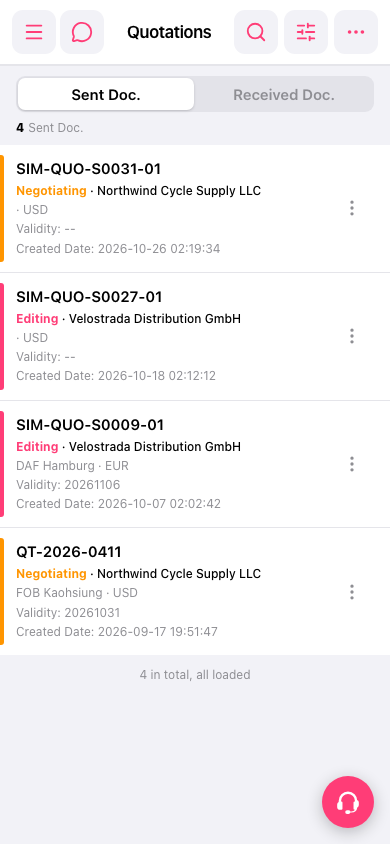 手機版|Quotations(報價單)