
To add an item: 1. At the top right of the “Item list” section, to pick an existing product from the product library, click “Add item”. 2. If the product is not in the library and you want to enter it yourself, click “New item” to add one manually. 3. Once added, the item is saved immediately.
To change overall information (buyer, trading conditions, etc.): 1. Click the purple “Edit” button at the top right of the page to enter the quotation's overall edit mode. 2. Save when you are done.
Tip: To adjust which columns the item list table shows, click “Columns 9/25” at the top right of the item list.
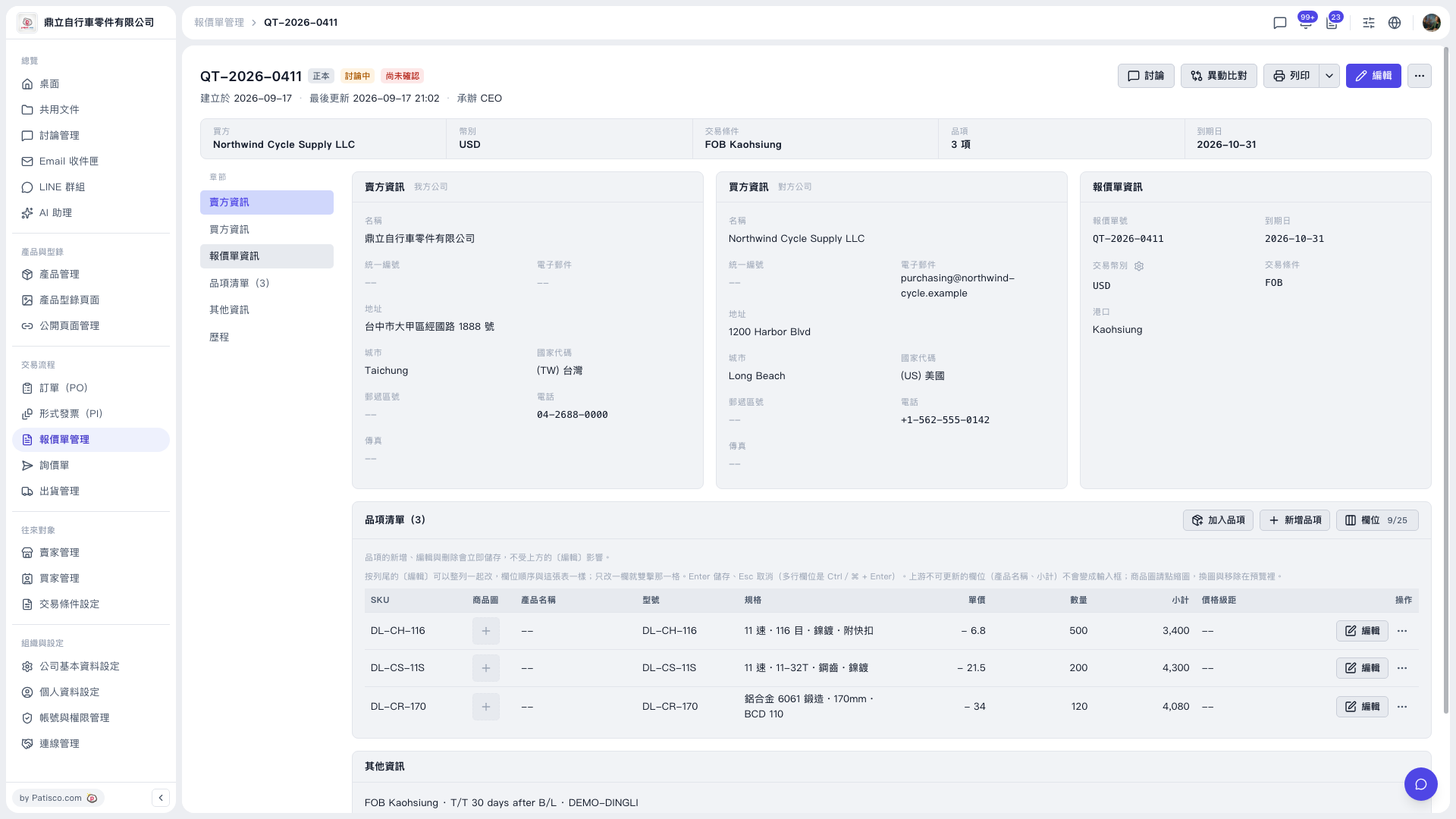 V5 新桌面版|QT-2026-0411(報價單詳情)