
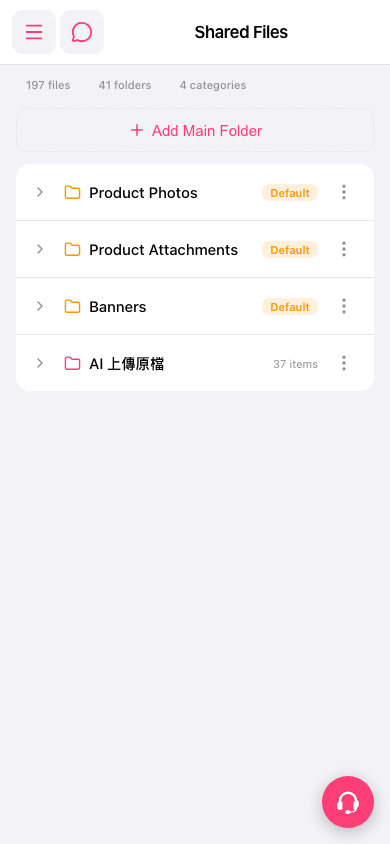
1. Tap the hamburger menu icon at the top left of the screen to expand the sidebar. 2. In the menu, select "Shared Files" to open the Shared Files page. 3. The page lists all main folders. Each row shows the folder name, a Default tag (if any), and the number of items (for example, 37 items). 4. To see what is inside a folder (for example, Product Photos), tap the expand arrow ">" at the far left of that row to view its subfolders and files.
 手機版|Shared Files