
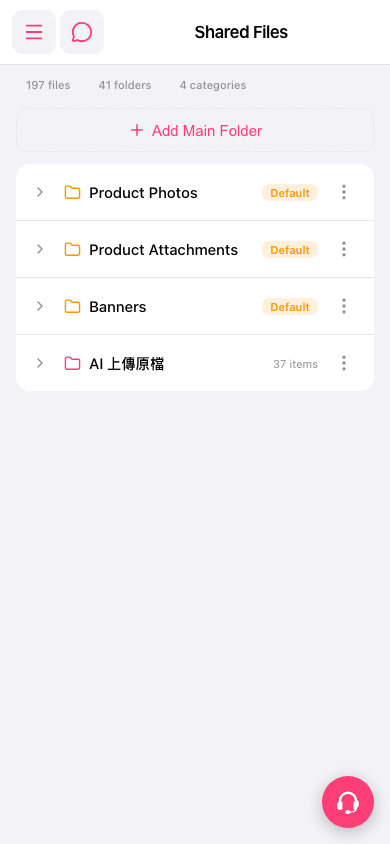
1. On the "Shared Files" page, tap the dashed-outline "Add Main Folder" button at the top center. 2. Enter a folder name and confirm to create the new main folder. 3. To manage an existing folder, tap the three-dot icon (more options) at the far right of its row, then choose the action you need from the menu. On screen, this menu may include renaming, deleting, adding a subfolder, and so on. Please refer to the options shown when you open it. 4. If you need help, tap the customer service icon at the bottom right to contact support.
 手機版|Shared Files