
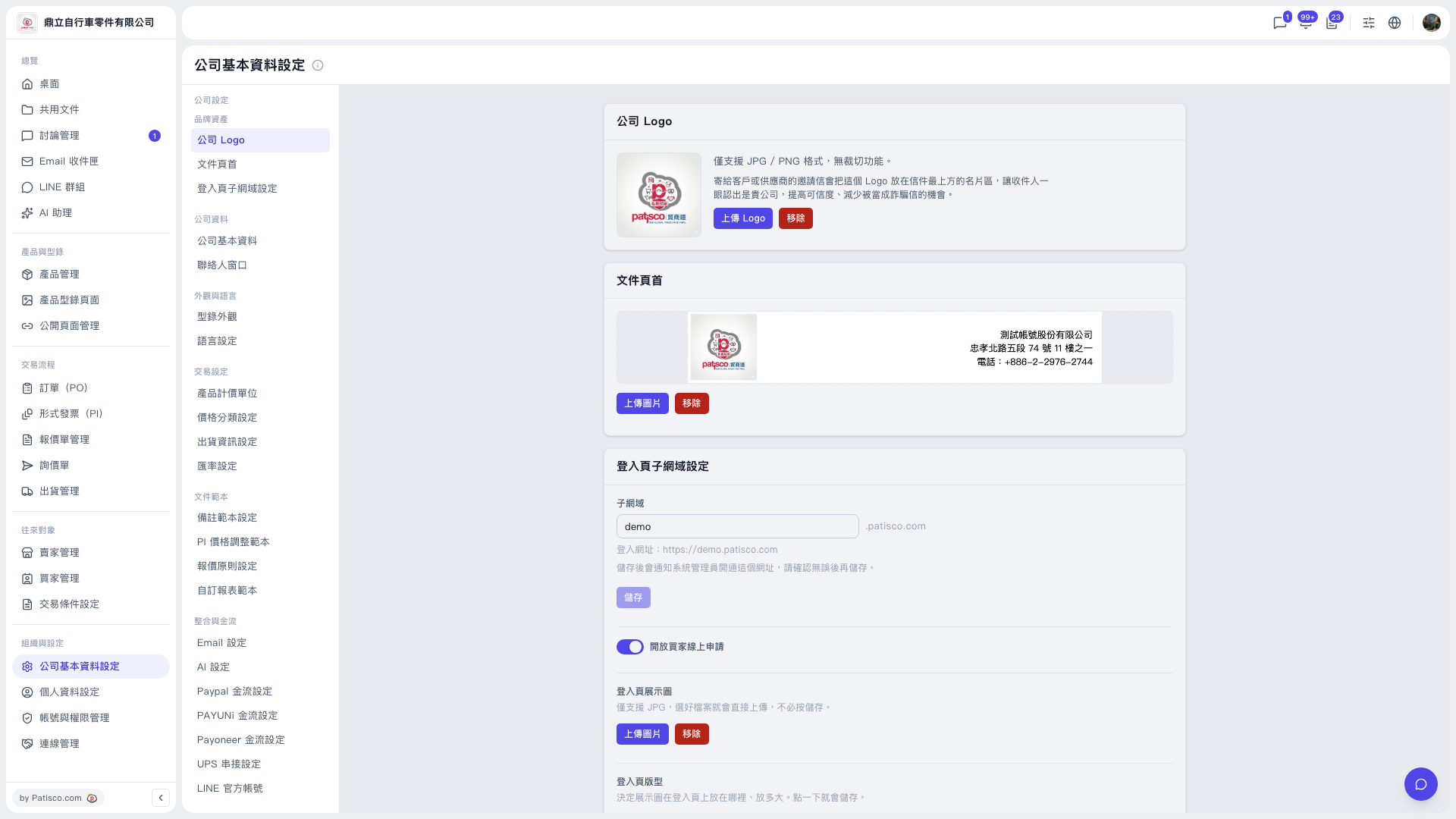
1. In the main left sidebar, click "Organization & Settings", then select "Company Profile Settings". 2. In the in-page submenu, select "AI Settings". 3. Make sure "AI enabled" is turned on, and select Claude or ChatGPT under "AI provider". 4. Under "Claude model", select the model you want to use (current options are Claude Sonnet 5 and Claude Haiku 4.5), then enter your API Key. 5. Click "Update settings". Because saving is also the action that enables the feature, the provider and model must be submitted together, so you must click this button for this section to take effect. 6. To check whether it works, click "Test connection", which takes a few seconds. Note: the test uses the settings that have already been saved upstream. Changes on screen that you have not saved with "Update settings" will not be tested, so update first and then test. 7. To turn it off, click "Disable".
 V5 新桌面版|公司基本資料設定