
1. Open Patisco on your phone and go to the discussion page (https://mobile.patisco.com/main/topic). The page title shows “Discussions”. 2. Below the title there are two tabs, “Discussion” and “AI Discussion”. “Discussion” (regular discussions) is currently selected. 3. To view AI discussions, tap the “AI Discussion” tab to switch. 4. Each row in the list shows an avatar (initial letter), the topic name, a preview of the latest message, and the time of the last message. If there are unread messages, a red unread count badge also appears.
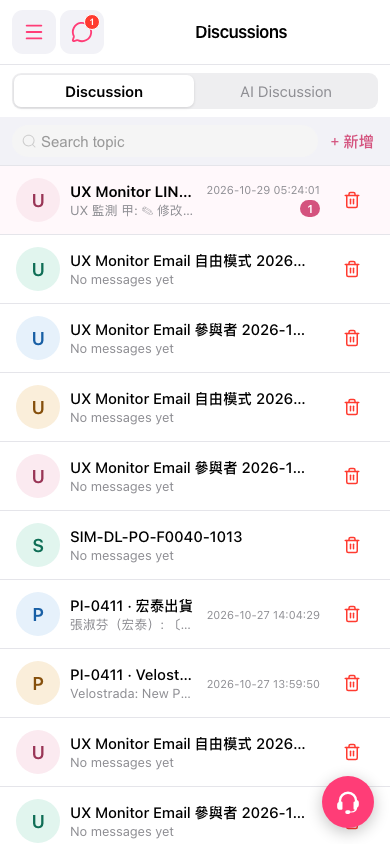 手機版|Discussions(討論)