
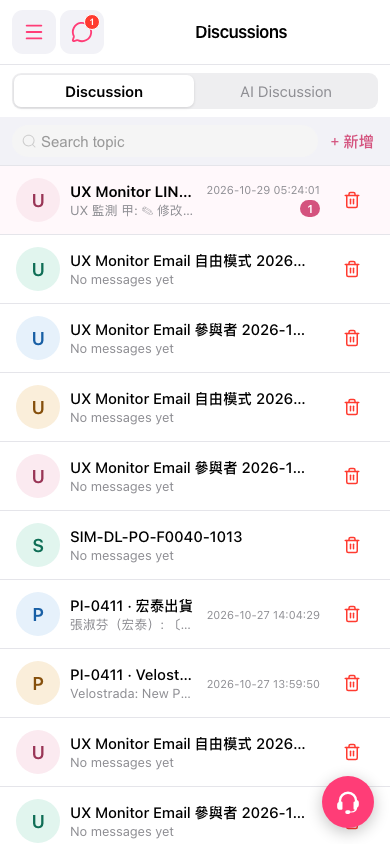
1. Search: enter a keyword in the “Search topic” box below the tabs to find a specific discussion. 2. Add: tap “+ Add” to the right of the search box, fill in the topic, and create it. 3. Open a discussion: tap a topic row in the list to view unread messages (red number badge) and reply. 4. Delete: tap the trash can icon on the right of the topic row and confirm the deletion. Before deleting, make sure you no longer need the discussion. 5. If you run into a problem and want help, tap the customer service icon button at the bottom right to open customer support.
 手機版|Discussions(討論)