
1. To attach a file: tap the paperclip icon at the bottom-left. 2. To attach a photo: tap the camera icon to the right of the paperclip. You can take a photo or upload an image for the AI. 3. Once attached, tap the pink send button at the bottom-right to send. 4. To start the conversation over: tap the refresh icon on the right of the "General conversation" row. This refreshes or resets the current conversation.
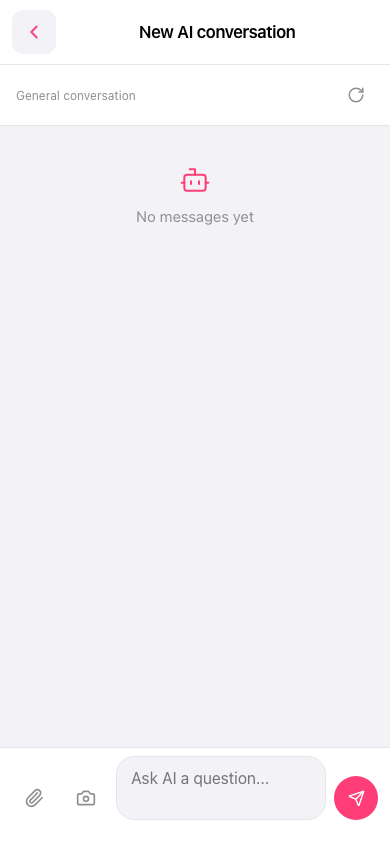 手機版|New AI conversation