
1. To switch to another function page: tap the “☰” menu icon at the top left to expand the sidebar, then choose. 2. To open chat / messages: tap the chat icon at the top left, to the right of the menu icon. 3. To adjust the Dashboard display: tap the gear icon (settings) on the right side of the tab bar. 4. To view the older analytics screen: tap the “Analytics” tab on the left side of the tab bar. The default selection is currently “Analytics v1.0”. 5. If you need help: tap the floating customer service (headset) icon at the bottom right.
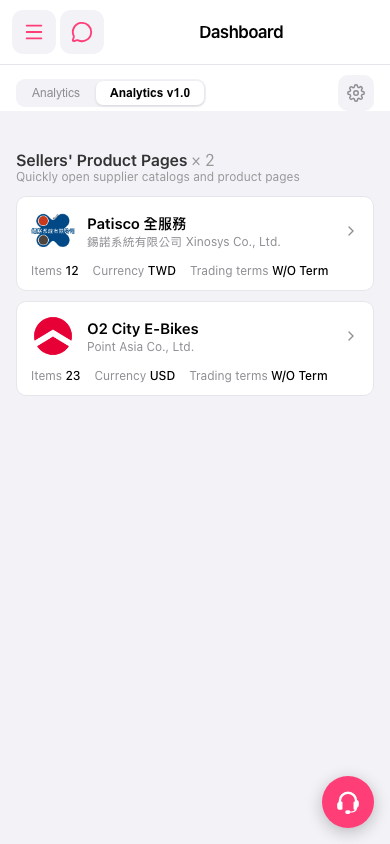 手機版|Dashboard