
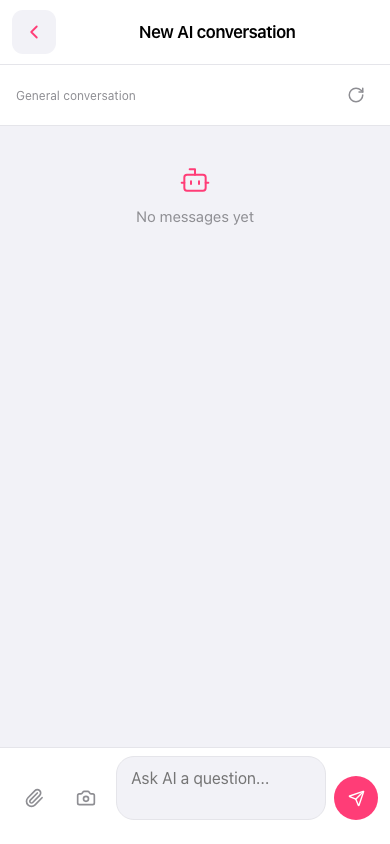
1. To reset the current conversation: tap the refresh icon at the top right, on the General conversation row. 2. To leave the AI conversation page: tap the back (< arrow) at the top left to return to the previous page. 3. To attach an image, you can also tap the camera icon to the right of the paperclip at the bottom left, then take a photo or upload an image for the AI.
 手機版|New AI conversation