
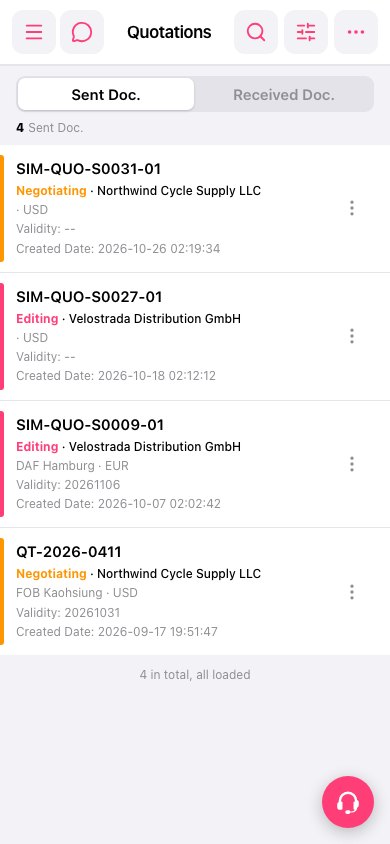
1. Open the mobile version and go to the Quotations page (https://mobile.patisco.com/main/quo). 2. The page shows the "Sent Doc." tab by default, which lists the quotations you sent. 3. To see quotations sent to you by the other party, tap the "Received Doc." tab at the top of the page. 4. To switch back, tap "Sent Doc." again. 5. Each quotation in the list shows the quotation number, status (Negotiating means under negotiation, Editing means being edited), customer name, trading terms / location, currency, Validity (expiration date), and Created Date.
 手機版|Quotations