
1. Find the “Converted to PI” notice at the top of the quotation page to confirm that the quotation has a corresponding Proforma Invoice (PI). 2. Click the “PI-20261105060940” link next to the notice to open the Proforma Invoice. 3. On the Proforma Invoice page, check the buyer, trading conditions, and item details.
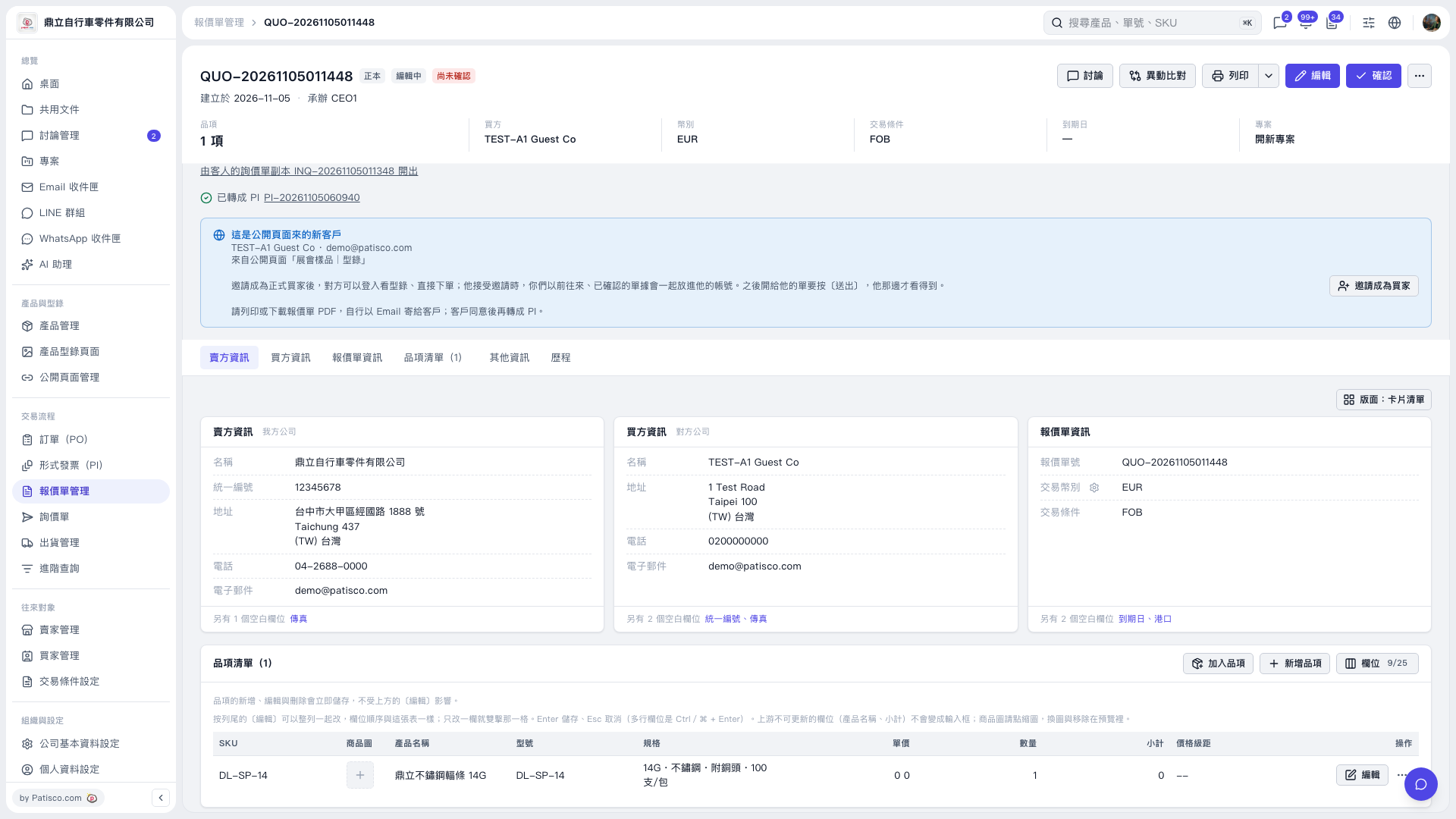 V5 新桌面版|QUO-20261105011448