
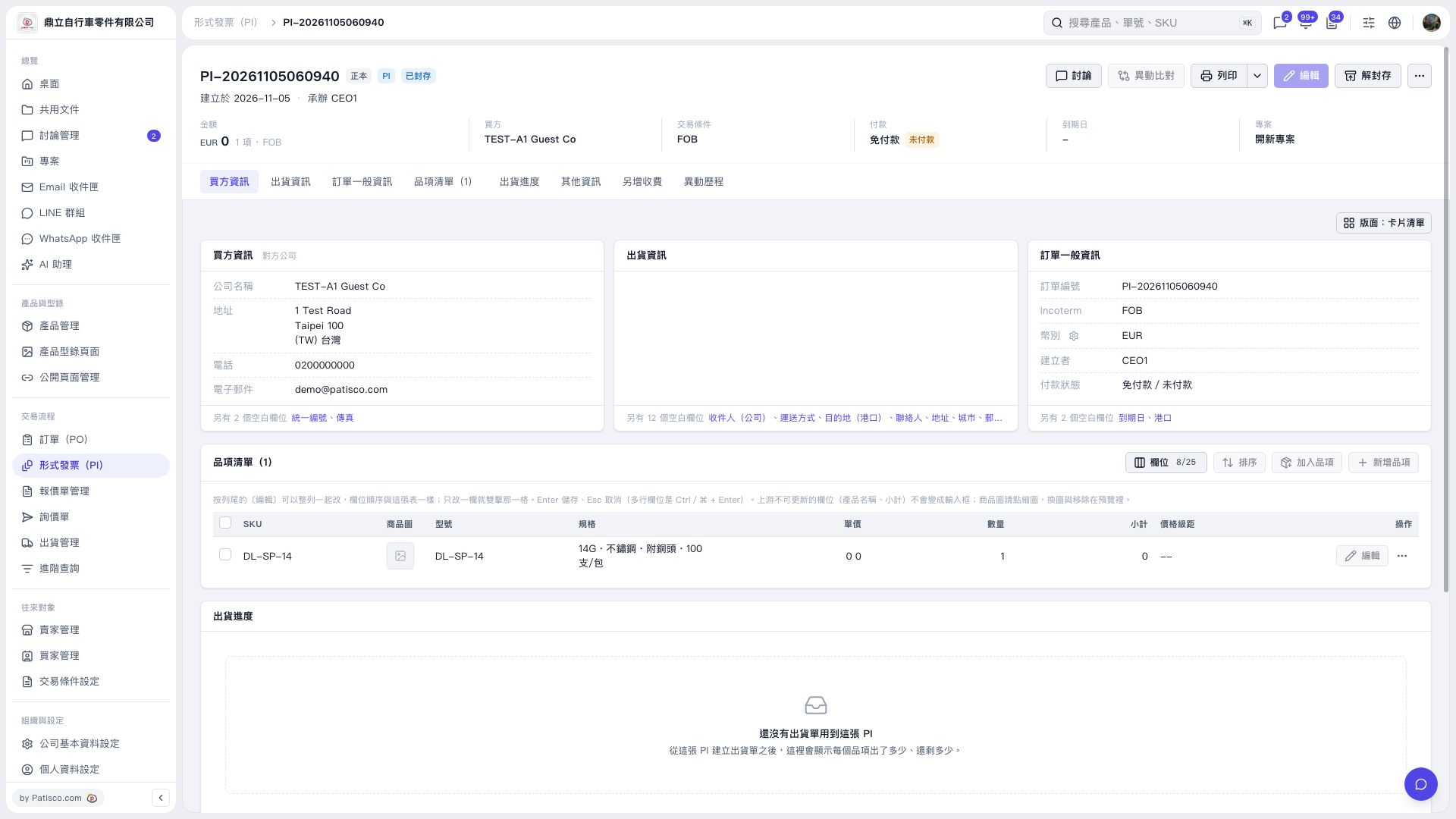
1. Click “Item List (1)” in the navigation bar below the summary to view each item's SKU, specifications, unit price, and quantity. 2. To adjust the columns displayed in the table, click “Columns 8/25” at the top right of the item list. 3. Click “Shipping Progress” in the navigation bar to view shipped and remaining quantities for the items. This PI currently has no related shipping documents.
 V5 新桌面版|PI–20261105060940