
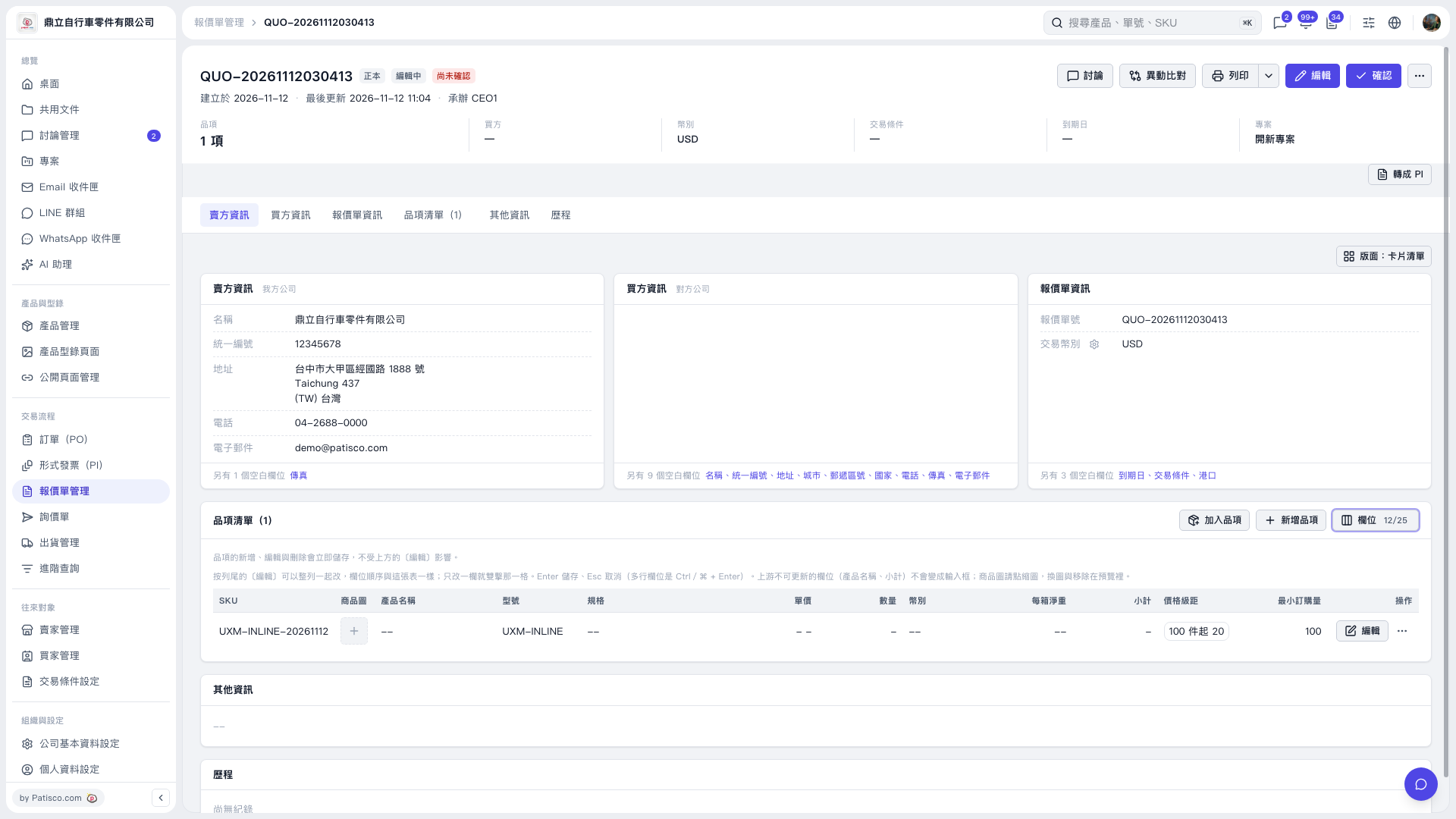
1. In the quotation's item list, click an editable cell and enter your changes. Only one cell can be edited at a time. 2. Press Enter to save or Esc to cancel. For multiline fields, press Ctrl/⌘ + Enter to save. Item changes are saved immediately. 3. To edit the full item details, click "Edit" on the right of the row.
 V5 新桌面版|QUO–20261112030413