
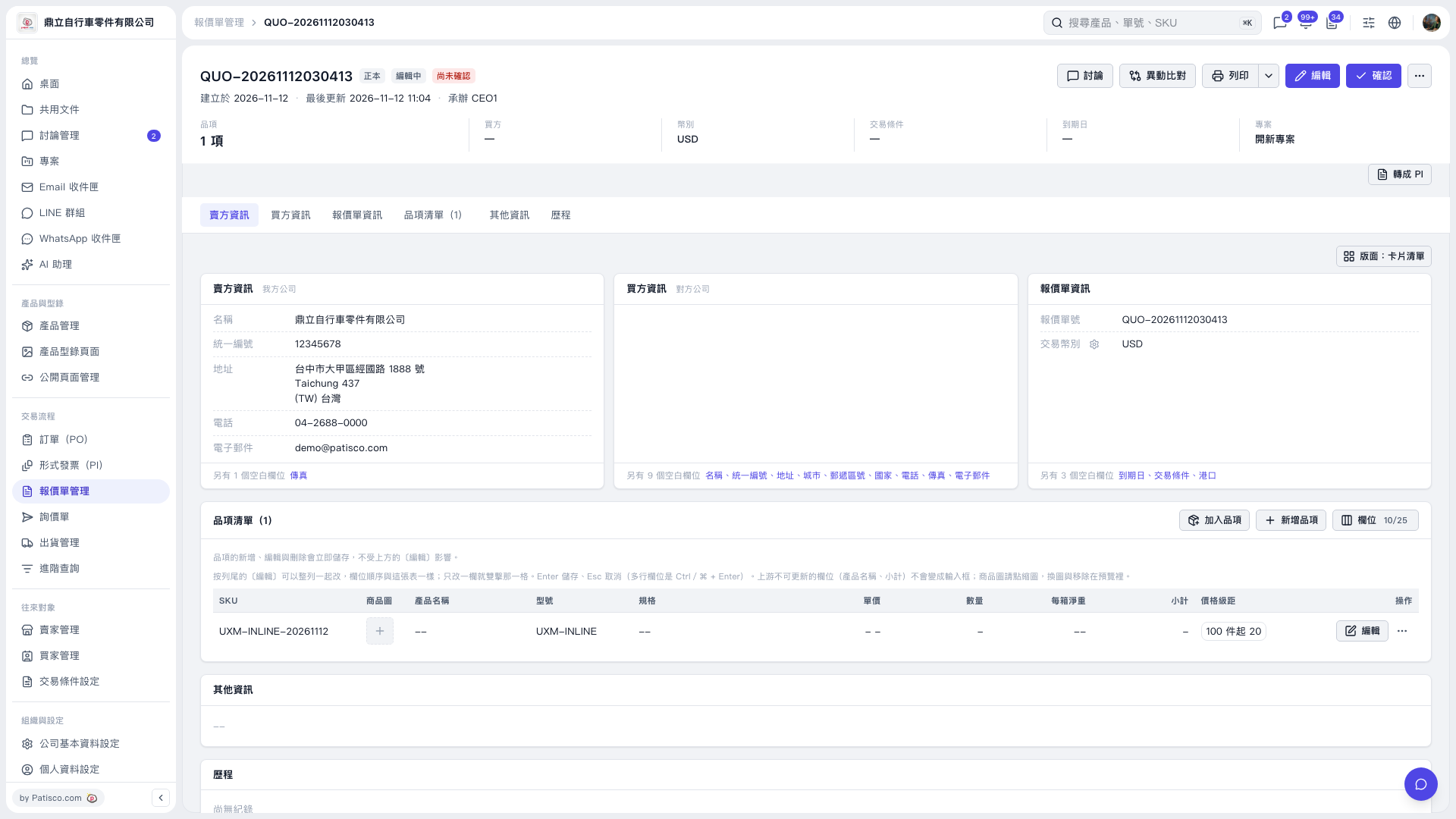
1. Find the item you want to change in the "Item List" and click "Edit" on the right side of that row. 2. Clear the "Unit Price," "Quantity," and "Net Weight per Carton" fields, then press Enter to save. To cancel, press Esc. 3. The cleared values are saved immediately and will remain blank after you refresh the page. You do not need to click "Edit" in the upper-right corner of the page first. This action does not clear the existing "Price Tiers."
 V5 新桌面版|QUO–20261112030413