
1. Select “Sent” or “Received” at the upper left of the list on the “Quotation” page to view the corresponding quotations. 2. Select a search field above the list (currently showing “Quotation number”), then enter a keyword in “Enter keywords to search”. 3. To narrow the results by specific conditions, click “Filter” to the right of the search box and set the conditions.
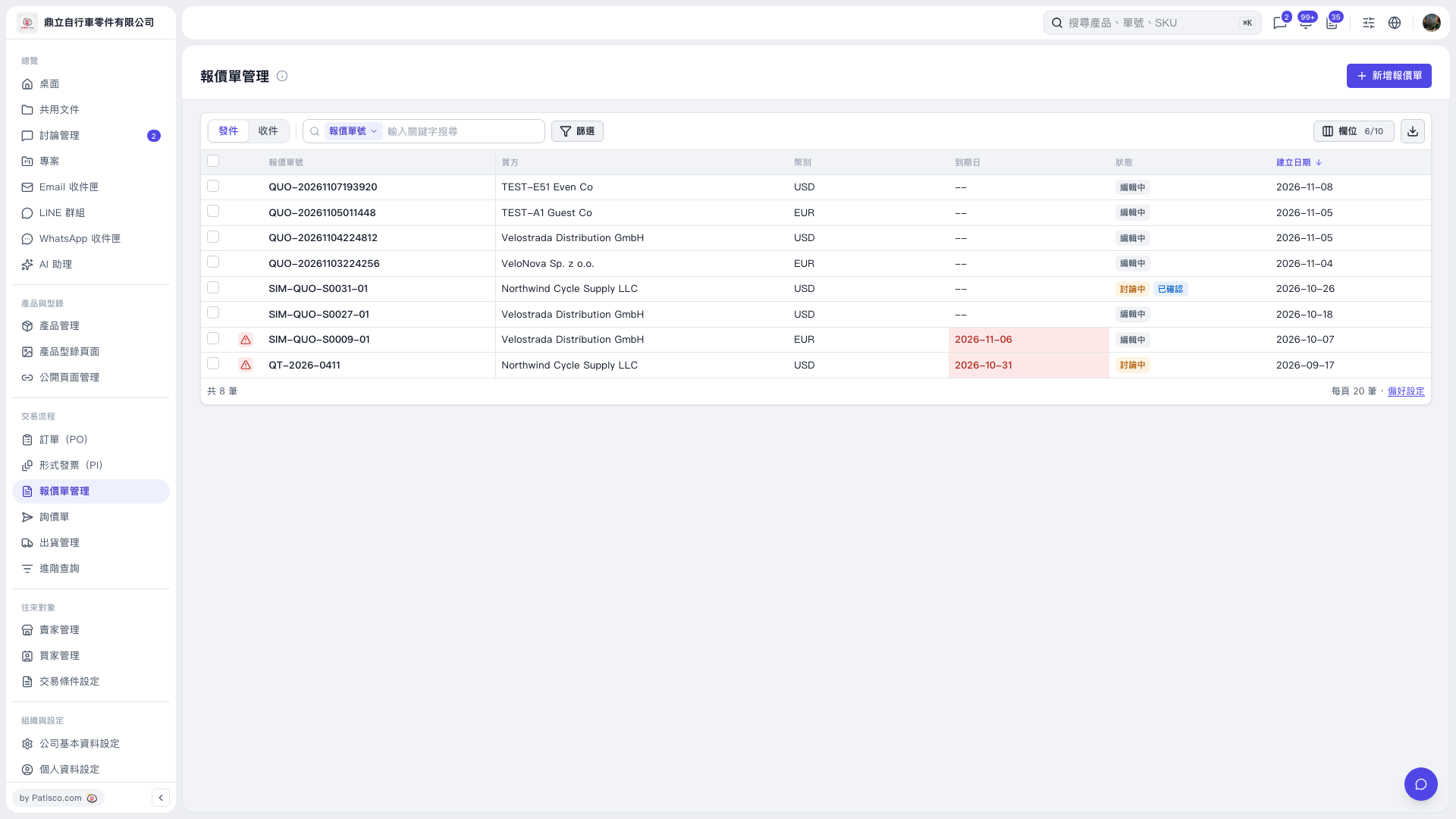 V5 新桌面版|報價單管理