
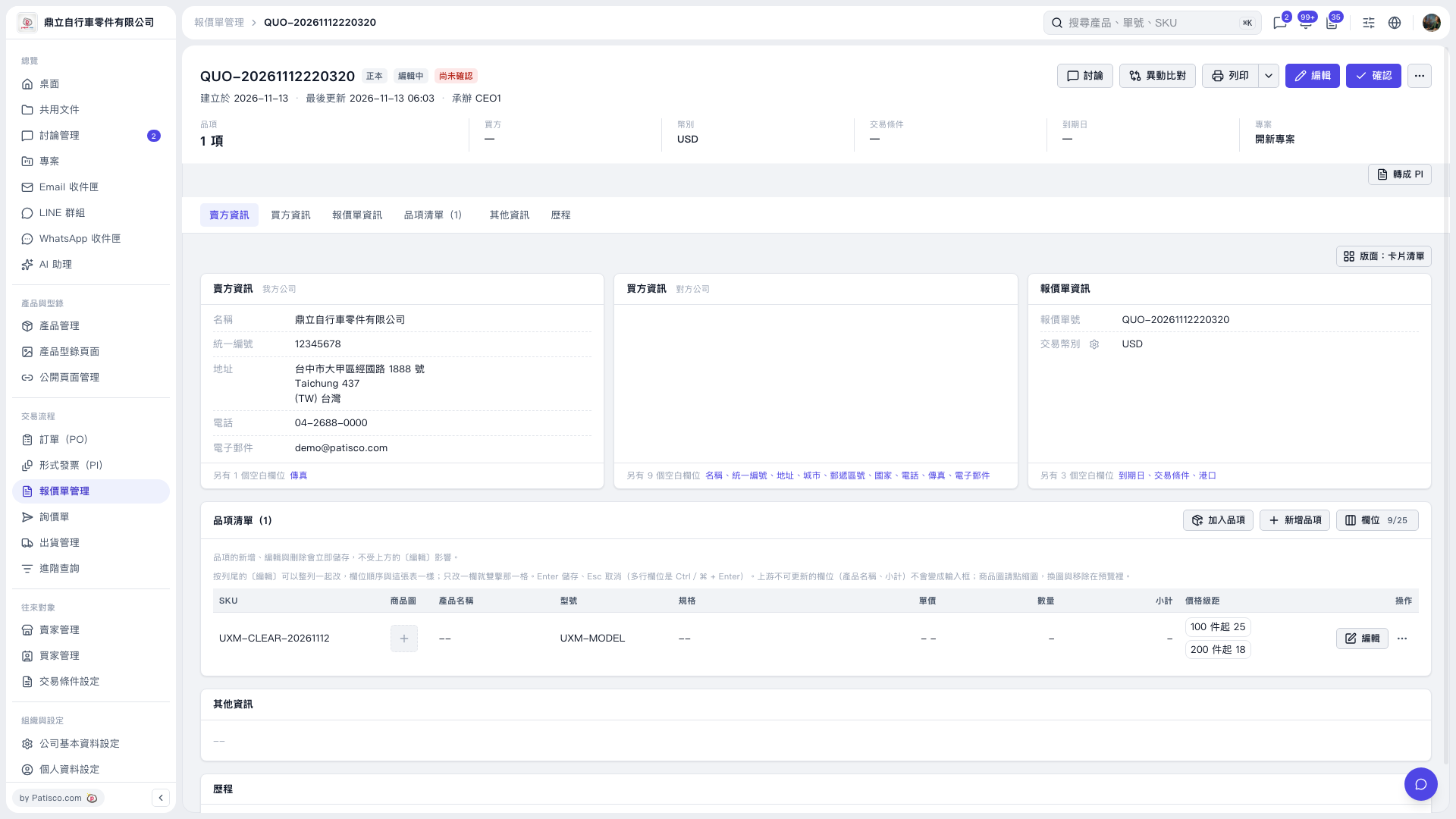
1. Open the quotation and first check the seller, buyer, trading currency, and item data. 2. If you need to make changes, click "Edit" in the top right corner or "Edit" on the right side of the item row. 3. Click "Print" in the top right corner; to view other print options, click the dropdown arrow next to it. 4. After the print screen opens, verify the print content. This time using "Patisco Standard (Default)", the print content displays the price tier: 100 corresponds to USD 25, 200 corresponds to USD 18.
 V5 新桌面版|QUO–2026111220320