
1. Open the quotation, find the product you want to edit in the item list, and click "Edit" on the right side of the row. You can also click an editable cell directly to change it. 2. When editing a cell directly, press Enter to save or Esc to cancel. For multiline fields, press Ctrl / ⌘ + Enter to save. 3. Adding, editing, and deleting items are all saved immediately. To edit information for the quotation as a whole, click "Edit" at the top right of the page.
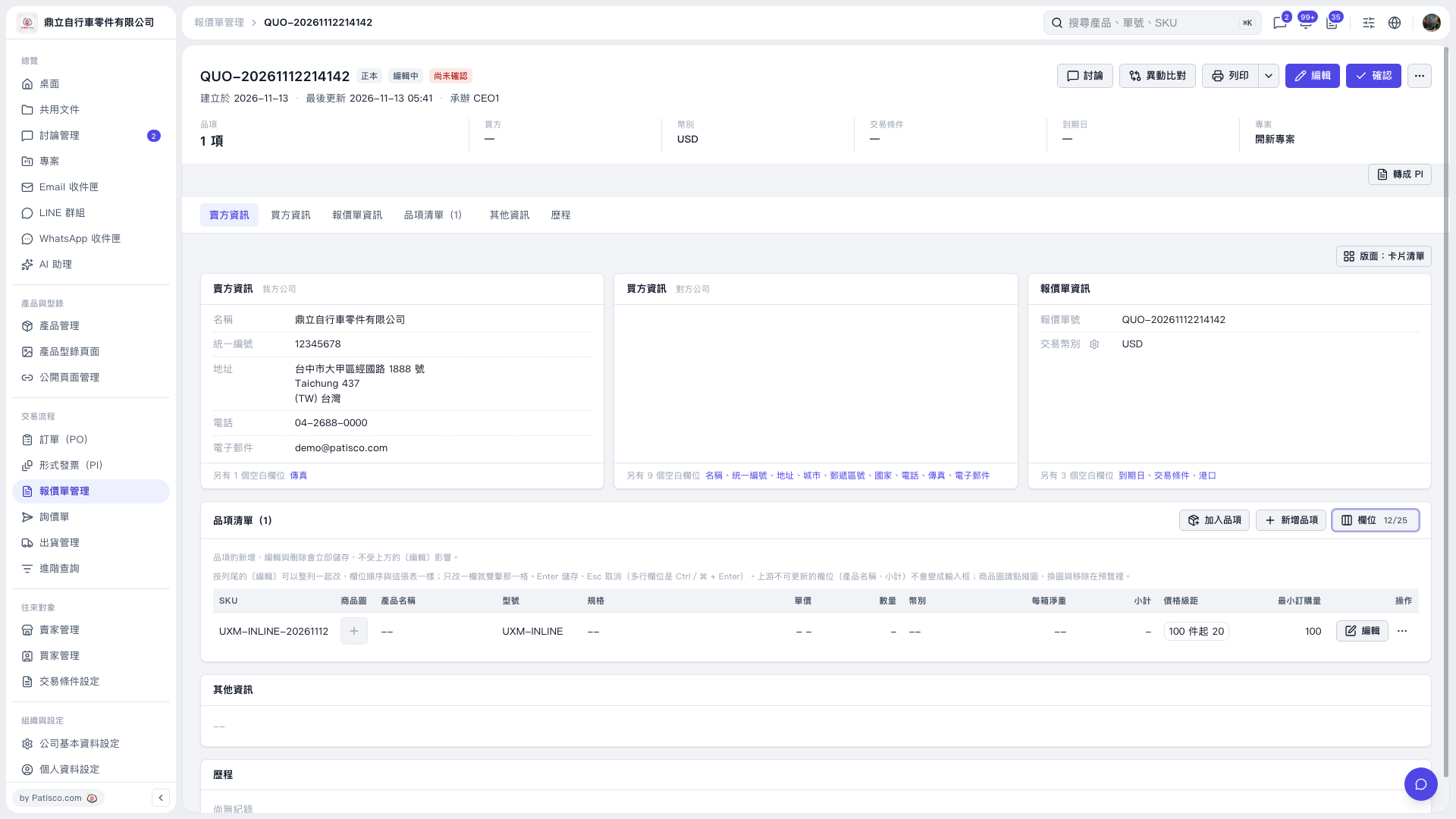 V5 新桌面版|QUO–20261112214142