
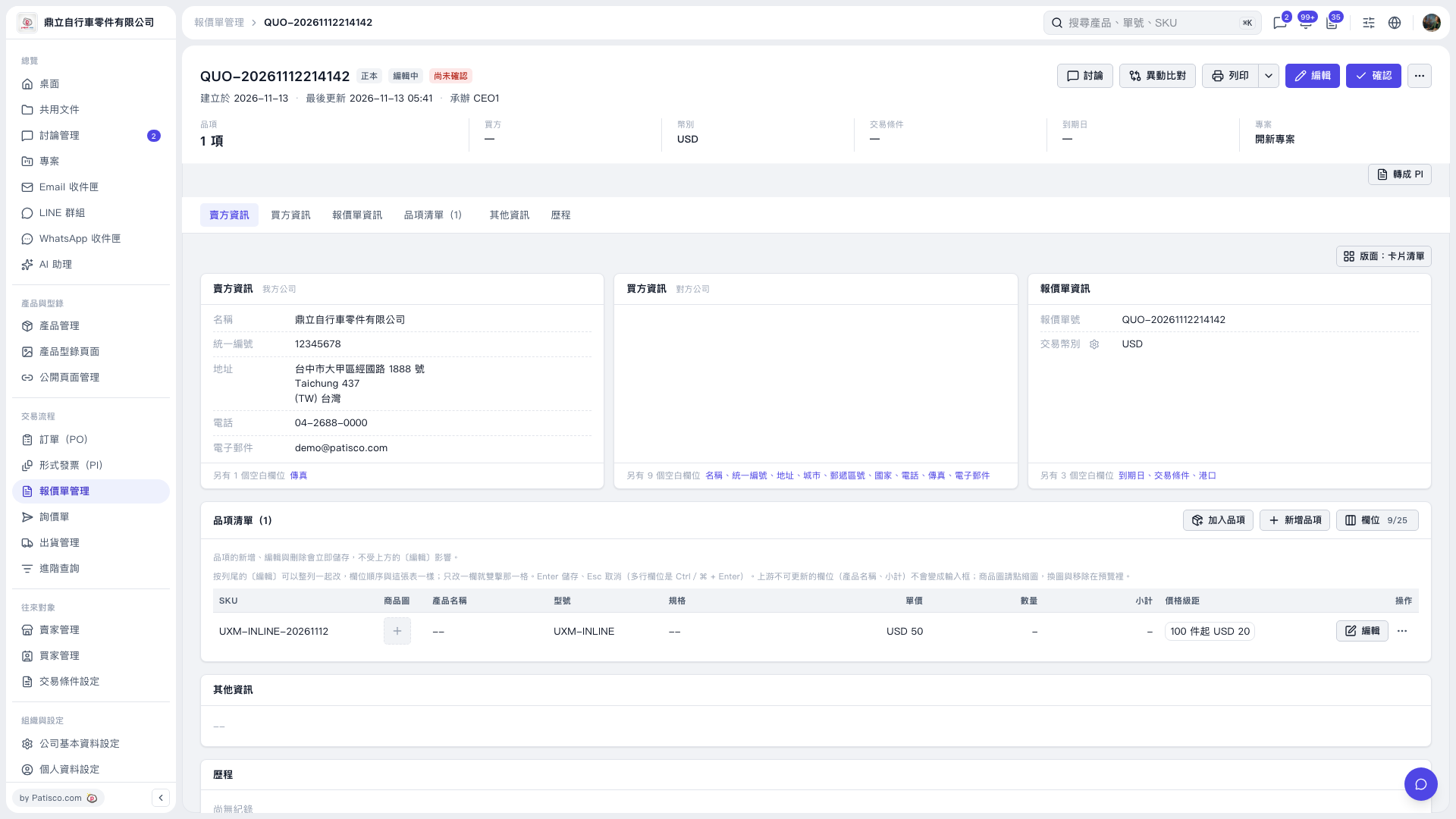
1. In the quotation's "Item List", click the "Unit Price" field you want to edit, enter the unit price, and press Enter to save. 2. Click the "Quantity" field for the same item, clear its contents, and press Enter to save. You can edit only one cell at a time. Press Esc to cancel editing. 3. After saving, the unit price is retained, while the quantity and subtotal display "–". For example, if the unit price is set to 50 and the transaction currency is USD, the unit price cell displays "USD 50".
 V5 新桌面版|QUO-20261112214142