
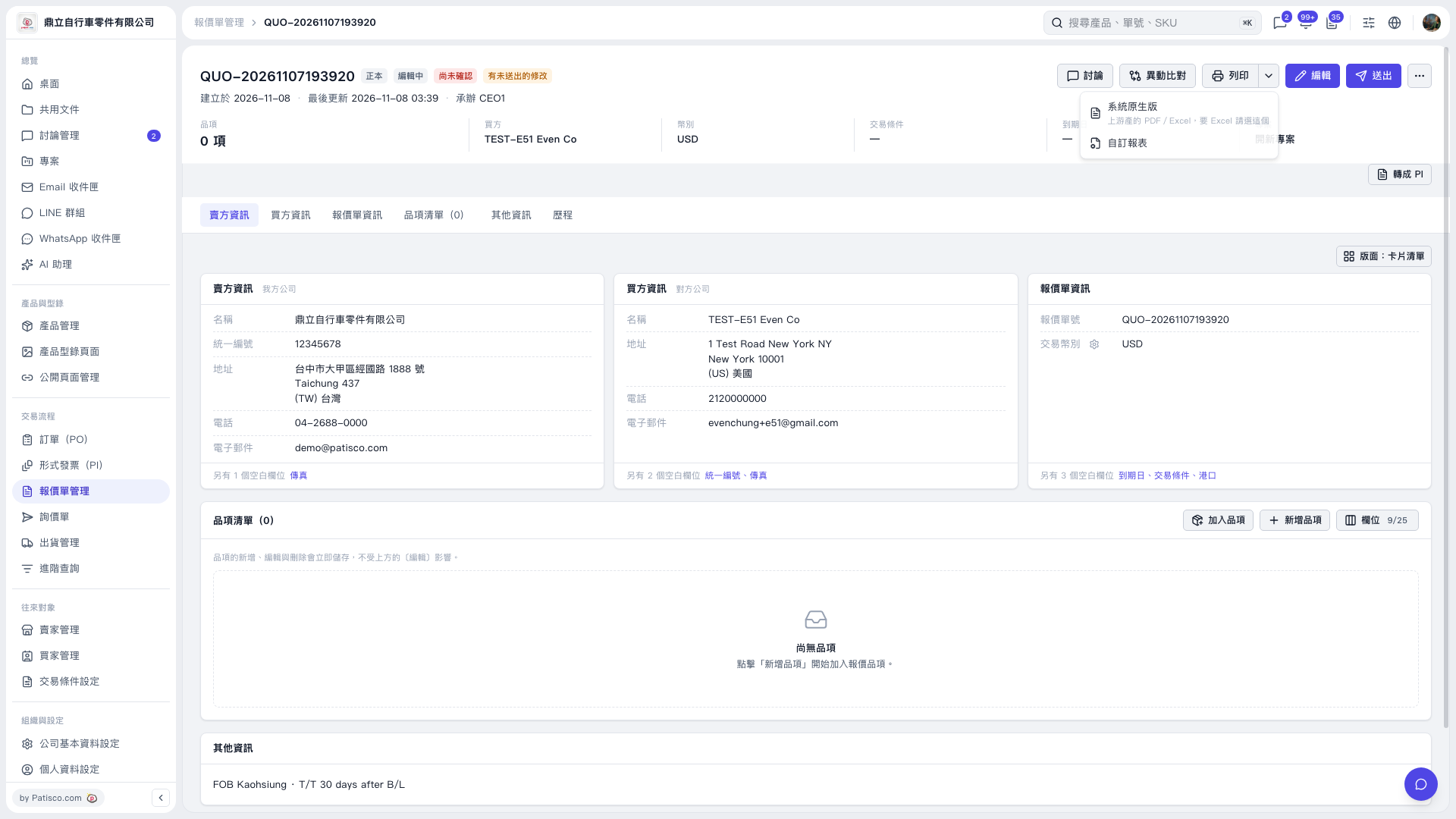
1. Open the quotation you want to output and check the buyer and seller information, transaction currency, and line items. If no items have been added yet, click "Add items" or "New item" to add them. 2. Click the drop-down arrow next to "Print" in the upper right to expand the menu. 3. To output a PDF or Excel file using the system format, click "System default". To use a custom format, click "Custom report". 4. Follow the subsequent screens to complete the output or printing.
 V5 新桌面版|報價單 QUO-20261107193920