
1. Click "Add Items" at the top right of the Proforma Invoice's "Item List". 2. Select "Quotation", "Inquiry", "PO / PI", or "Product Management" as the source to choose items from existing documents or your company's product master data. You can also select "PO Copy", "Quotation Copy", or "Inquiry Copy" to choose items from document copies you have received. 3. You can ask: "Which sources can I use to add items to this PI?" The AI will respond: "You can choose items from quotations, inquiries, POs / PIs, Product Management, and copies of POs, quotations, or inquiries you have received."
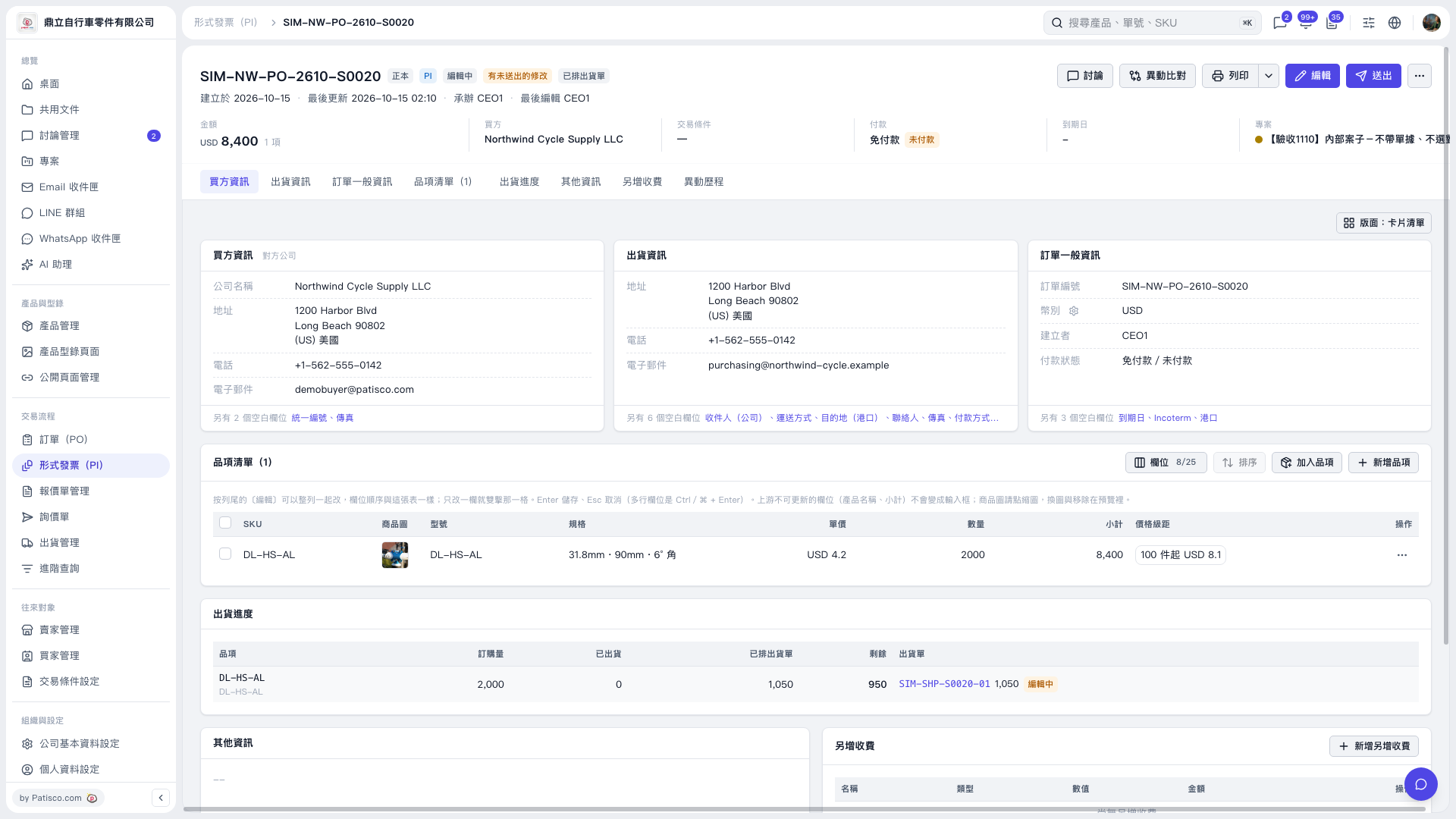 V5 新桌面版|形式發票(PI)— SIM–NW–PO–2610–S0020