
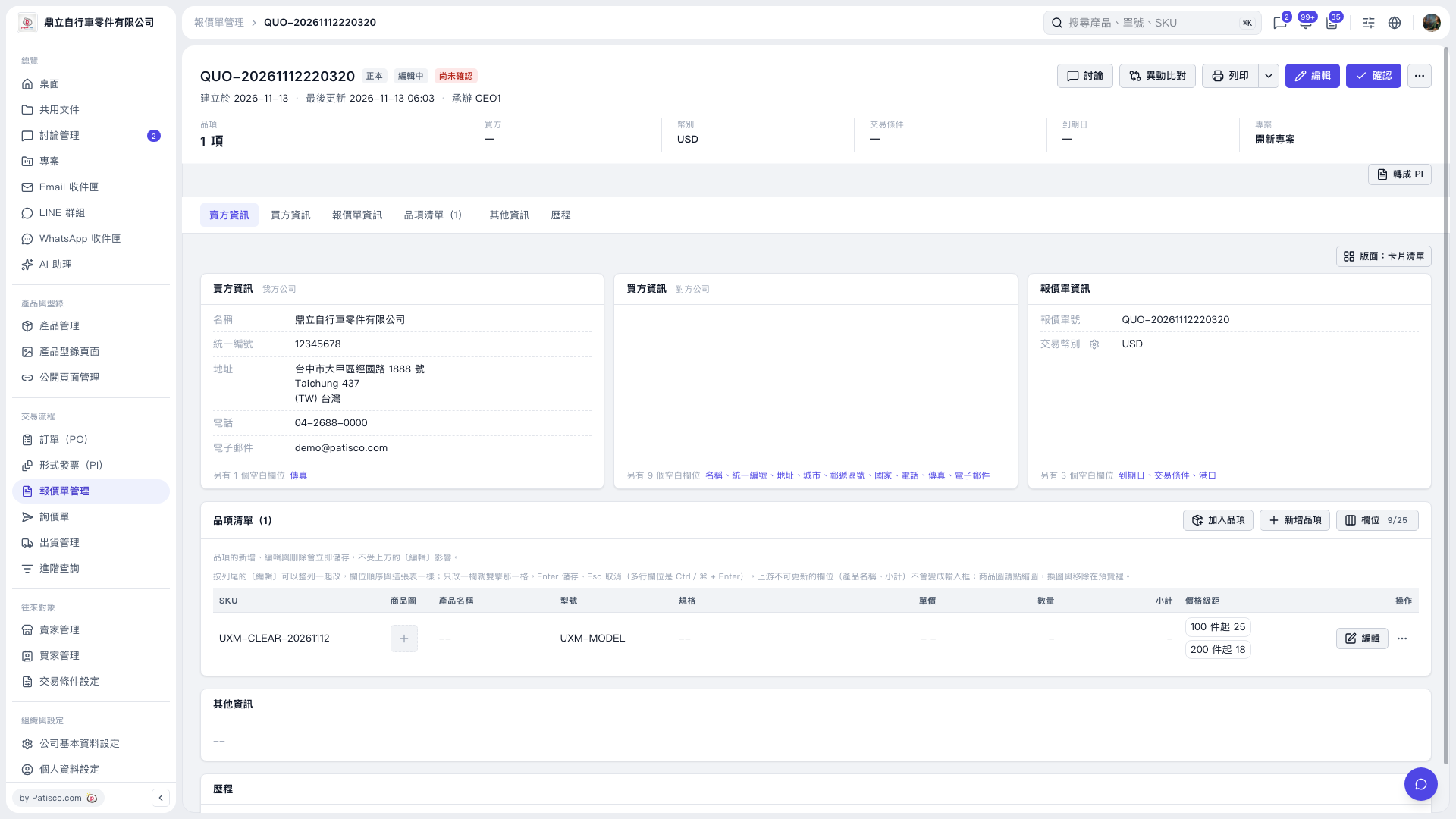
1. Find the item to be modified in the "Item list", and click "Edit" on the right side of that row. 2. Modify the "Price tier", for example by setting "100 units or more: 25" and "200 units or more: 18"; save after editing the field by pressing Enter. 3. In this test, both price tier groups were retained after modification, and "Quantity" and "Unit price" remained empty and were not automatically filled in.
 V5 新桌面版|QUO-20261112220320