
1. On the Proforma Invoice details page, click "Unarchive" at the top right to remove the archived status of this PI. 2. If you need to modify the Proforma Invoice data, click "Edit" at the top right. 3. In this view, "Sort", "Add Item", "New Item", and "Edit" in the item rows are currently grayed out. After unarchiving, please confirm whether these buttons are now operational.
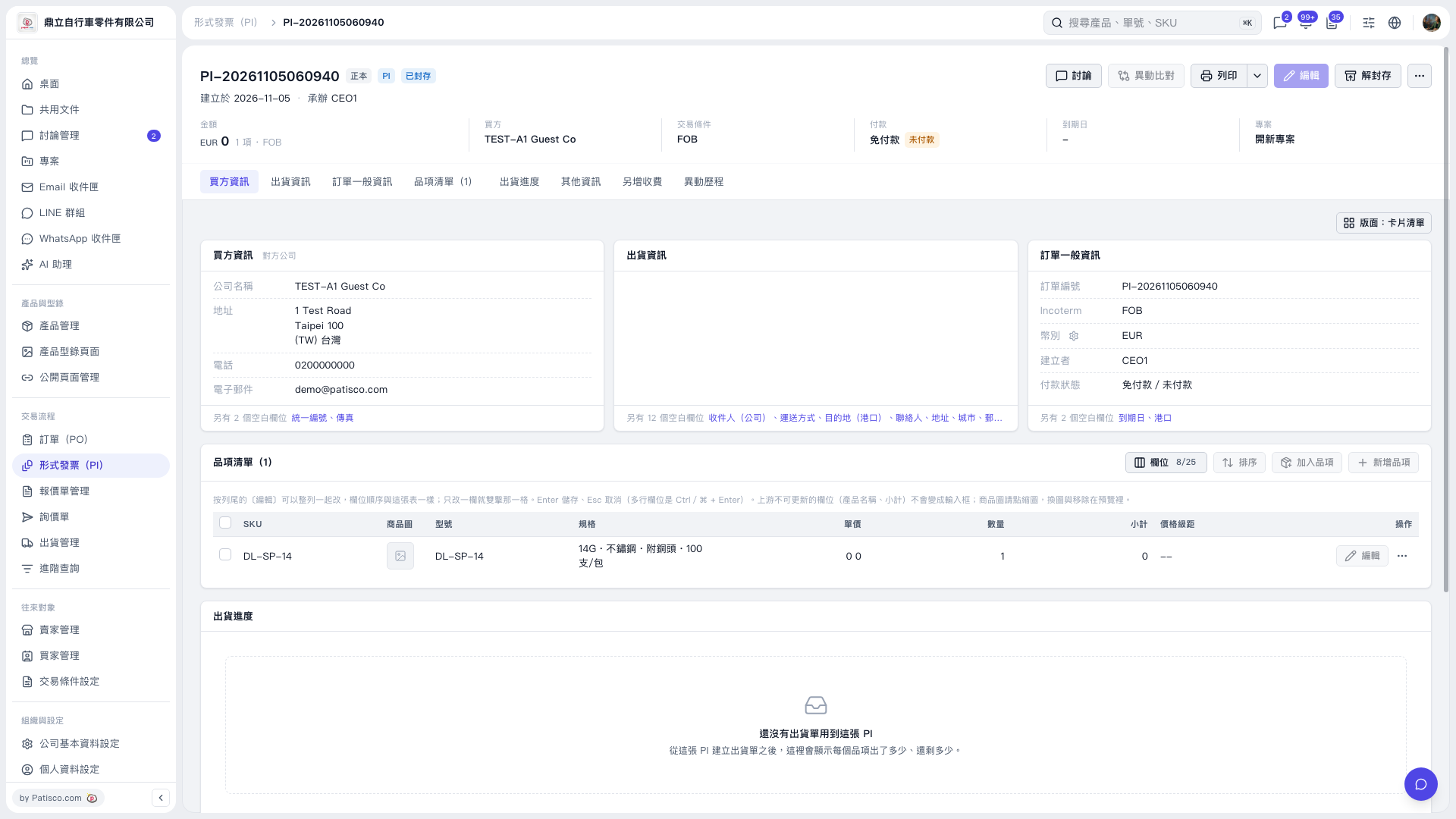 V5 新桌面版|形式發票(PI)詳情:PI-20261105060940