
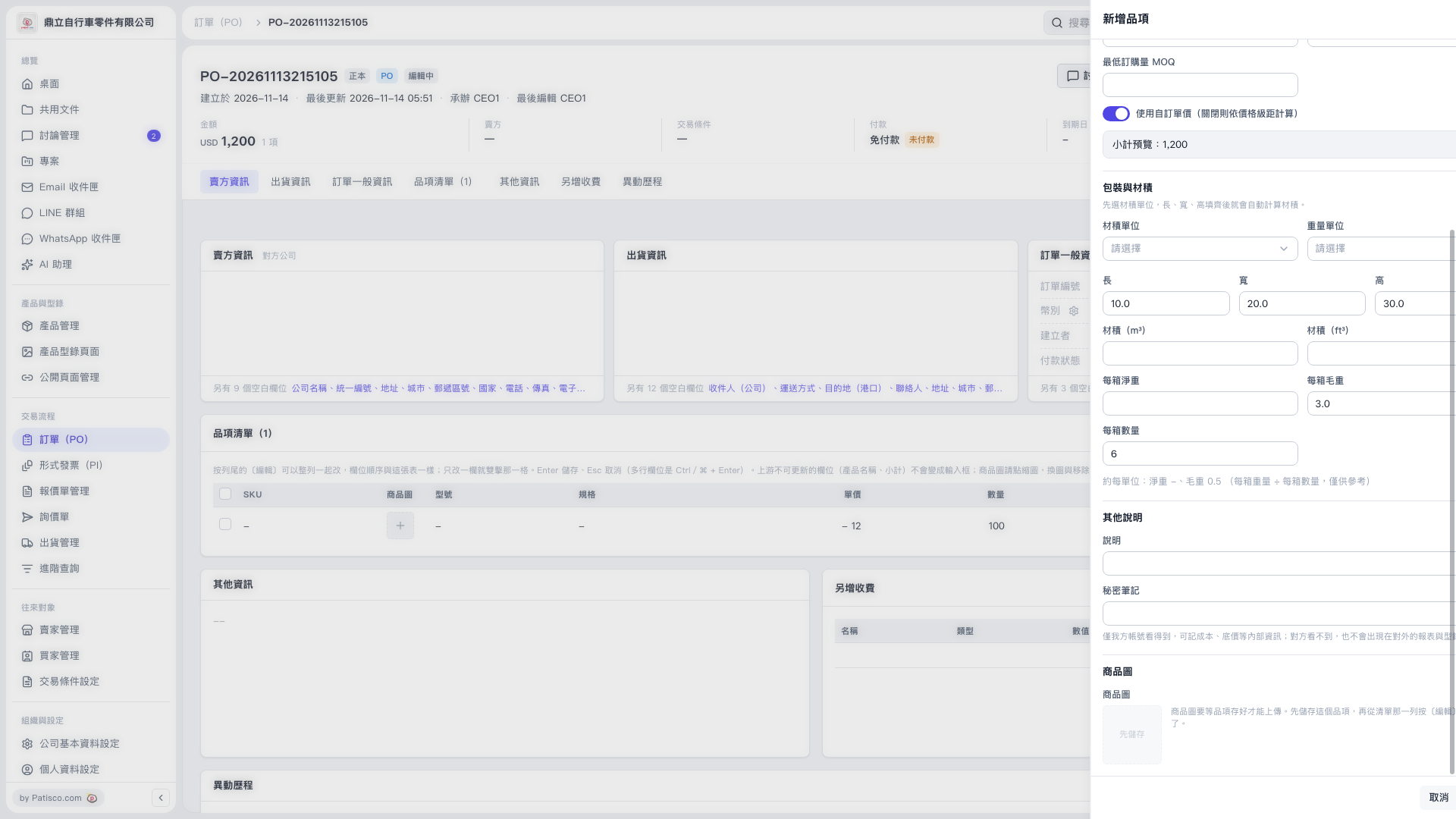
1. Enter internal notes in "Secret Notes". The content is visible only to accounts on your side. You can also fill in the "Description" field as needed. 2. To upload a product image, save the item first, then click "Edit" on its row in "Item List (1)". No save button is shown on the current screen. 3. To discard the item you are adding, click "Cancel" at the bottom right.
 V5 新桌面版|訂單 PO-20261113215105