
1. View pending tasks in the “Documents to Process” section. Click “List” or “Timeline” to switch the display mode. 2. Click “Refresh” to update the pending document data. 3. To view all POs, click “All POs” at the bottom of the “Recently Updated POs” section, or click “PO” on the left.
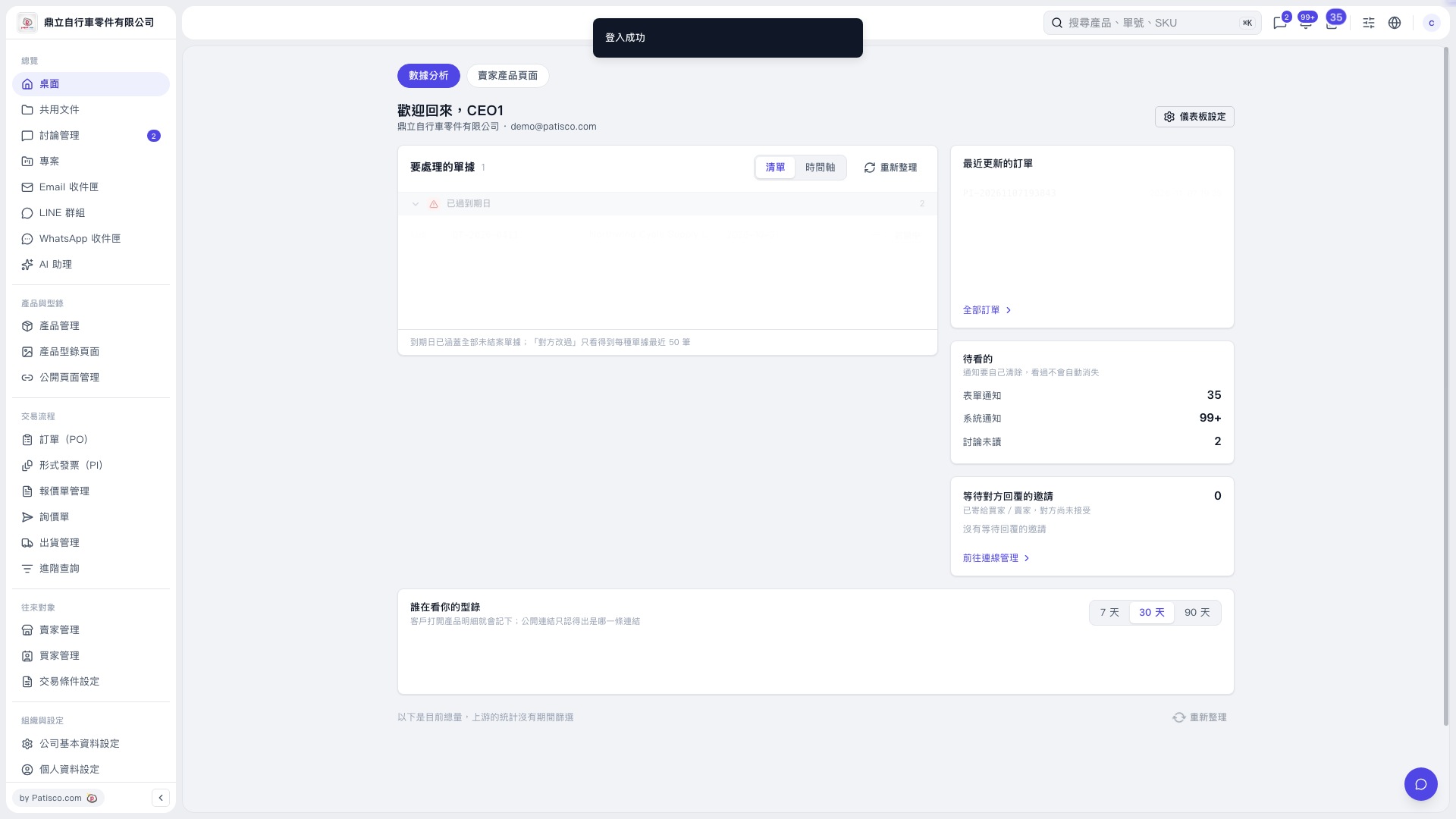 V5 新桌面版|桌面/數據分析