
1. Open the Proforma Invoice you want to edit and click "Edit" in the upper right. 2. Review the items, unit prices, and quantities in the "Item List". To add a product, click "Add Item". To create new item data, click "New Item". 3. Check the total amount and payment information. After confirming your changes, click "Submit" in the upper right.
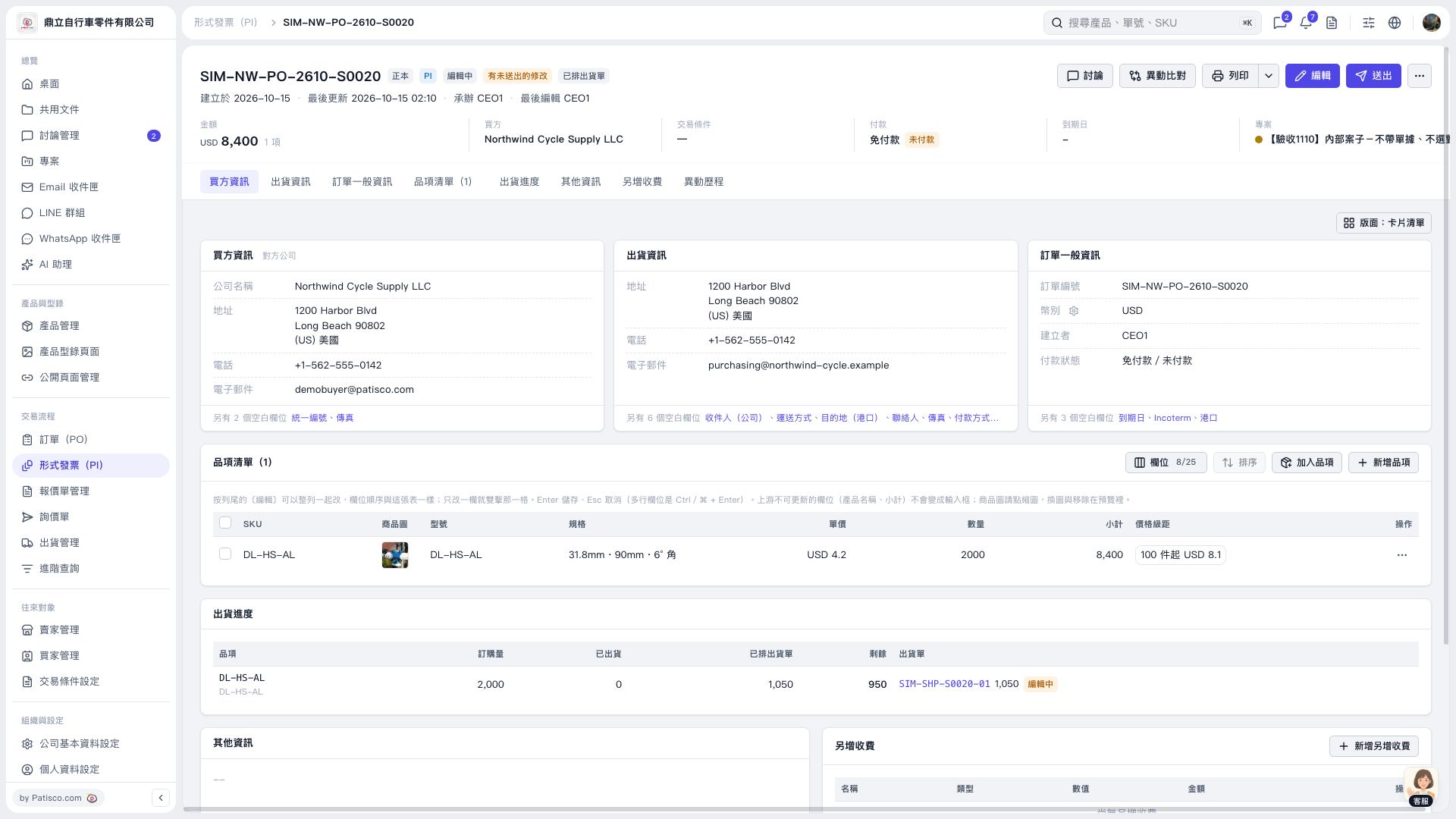 V5 新桌面版|SIM–NW–PO–2610–S0020