
1. In the Proforma Invoice's item list, double-click the "Specifications" cell you want to edit. 2. Paste the product name you want to include in the specifications, or enter other specification details. 3. Press Enter to save. For multiline fields, press Ctrl/⌘ + Enter to save. To cancel editing, press Esc. 4. After checking the item details, click "Submit" in the upper right to submit your current changes.
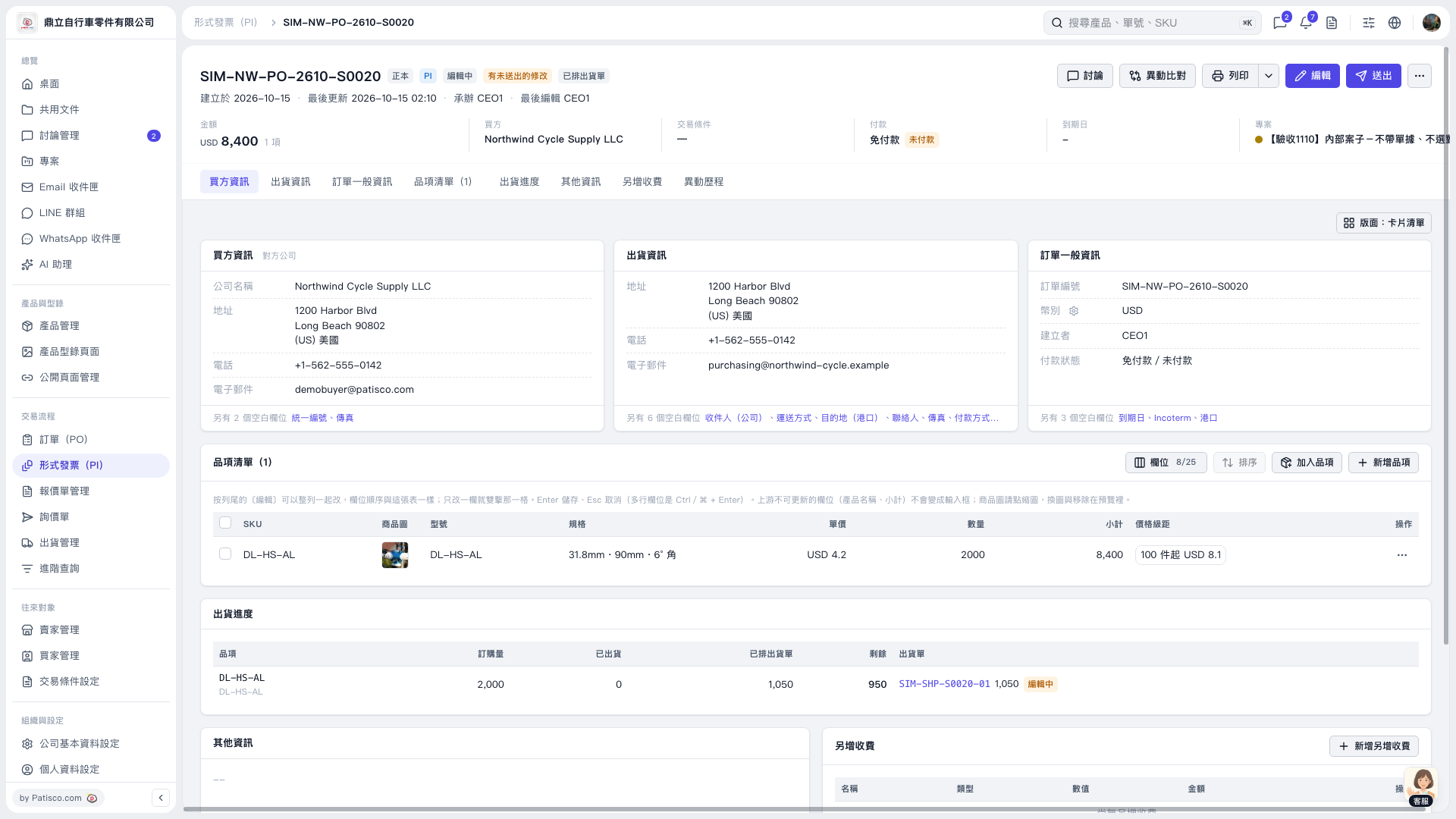 V5 新桌面版|形式發票(PI)— SIM-NW-PO-2610-S0020