
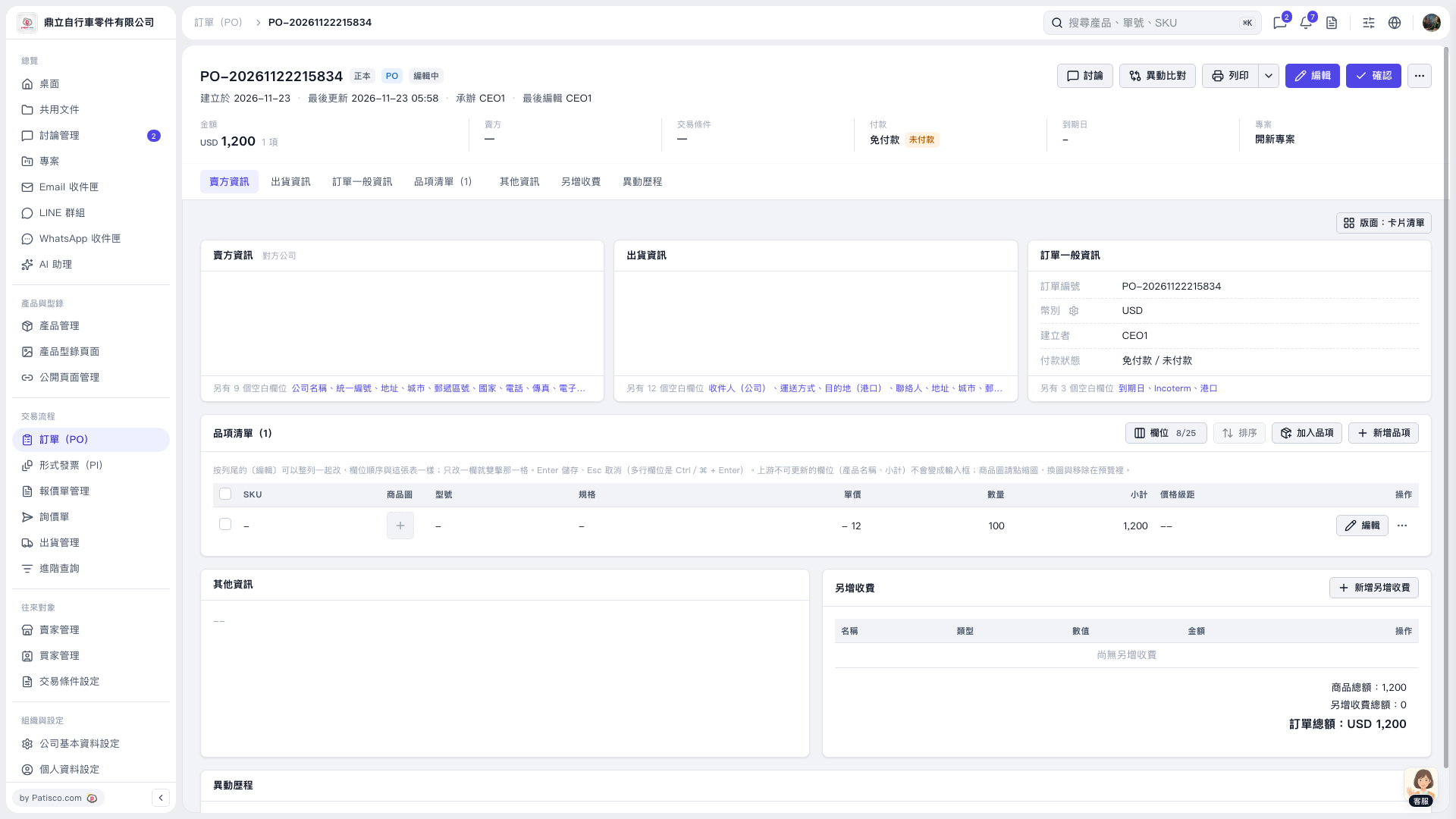
1. In the PO’s “Item List,” click “Edit” on the right side of the item you want to change. 2. Clear the contents of “SKU,” “Model,” or “Specifications” as needed, then save. 3. If “Saving…” appears, wait for saving to finish. 4. Reopen the item and confirm that the fields you cleared remain blank.
 V5 新桌面版|PO-20261122215834