
1. Click “Filter” in the PI list to open the filter panel on the right. 2. Under “Status,” select “All,” “Editing,” “Under Discussion,” “Archived,” or “Canceled.” 3. Select “Buyer Company,” “Buyer E-Mail,” and “Buyer Country” from the drop-down menus as needed. 4. Under “Creation Date,” click “Today,” “Last 7 Days,” or “Last 30 Days,” or enter a start date and end date manually. 5. Click “Done” to return to the list and view the filtered results.
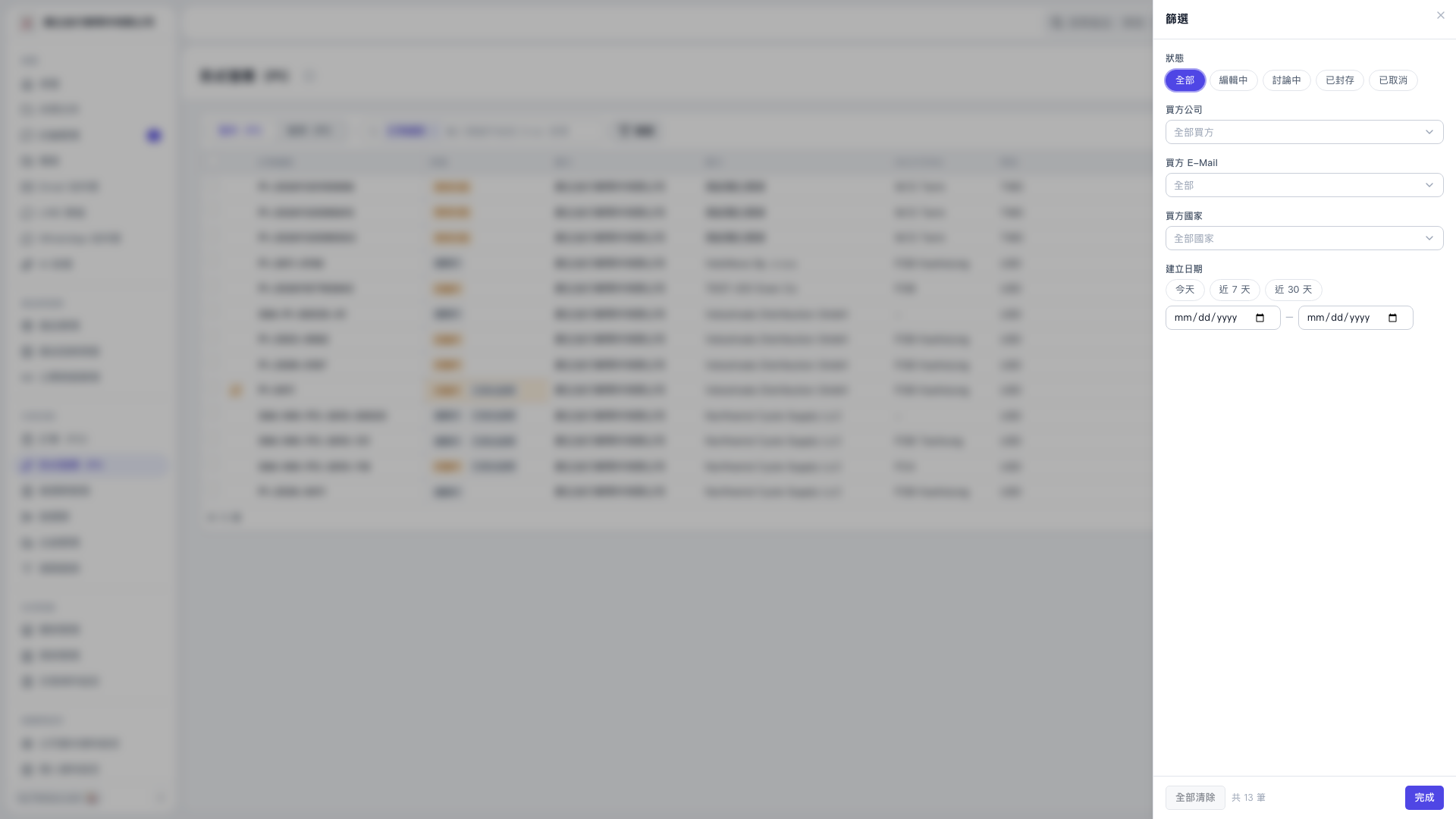 V5 新桌面版|PI 列表(篩選面板開啟中,背景主標題模糊)